Home offices have changed the way people think about air quality. You're sitting at a desk for hours, surrounded by a computer, monitors, speakers, and maybe a router — and you want cleaner air. So you buy an air purifier. Then the question hits: is it safe to run this thing right next to your electronics?
It's a reasonable thing to wonder. And the answer, in most situations, is yes — with some specific considerations regarding placement and technology.
Why people worry about air purifiers and electronics
The concern usually comes from one of two places. First, moisture: people assume air purifiers might emit humidity or mist that could damage sensitive electronics. Second, ionization: some air purifiers produce ions or, in lower-quality units, ozone — and there are real questions about what those outputs do in close proximity to circuit boards, displays, and other components.
Both concerns deserve a direct answer rather than vague reassurance.
Air purifiers don't add moisture — most don't, anyway
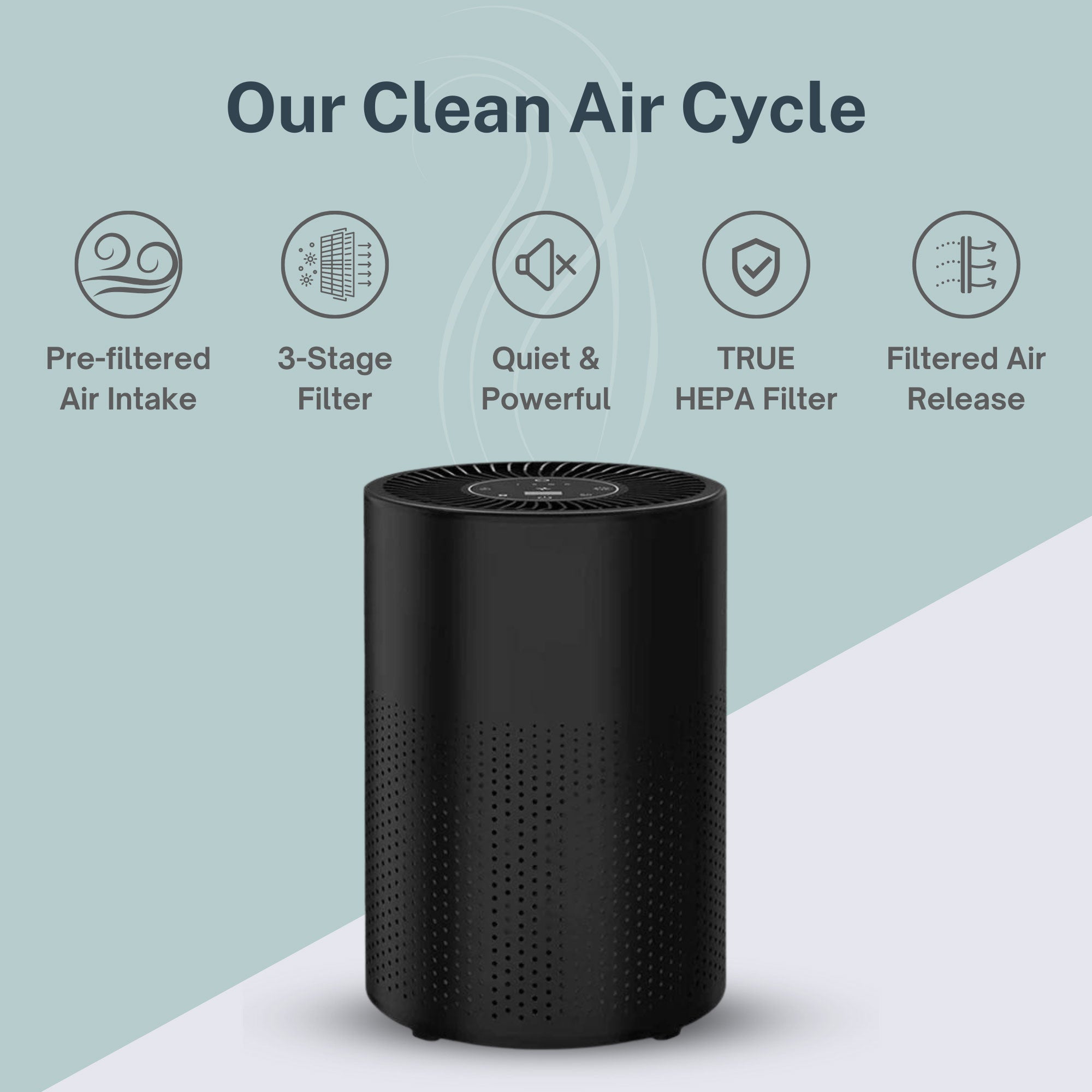
A standard air purifier — one that uses mechanical filtration, UV-C light, activated carbon, or ionization — does not produce moisture. It moves air through a filter system and returns cleaned air to the room. No water vapor, no mist, no condensation. The confusion likely comes from mixing up air purifiers with humidifiers or evaporative coolers, which are entirely different appliances.
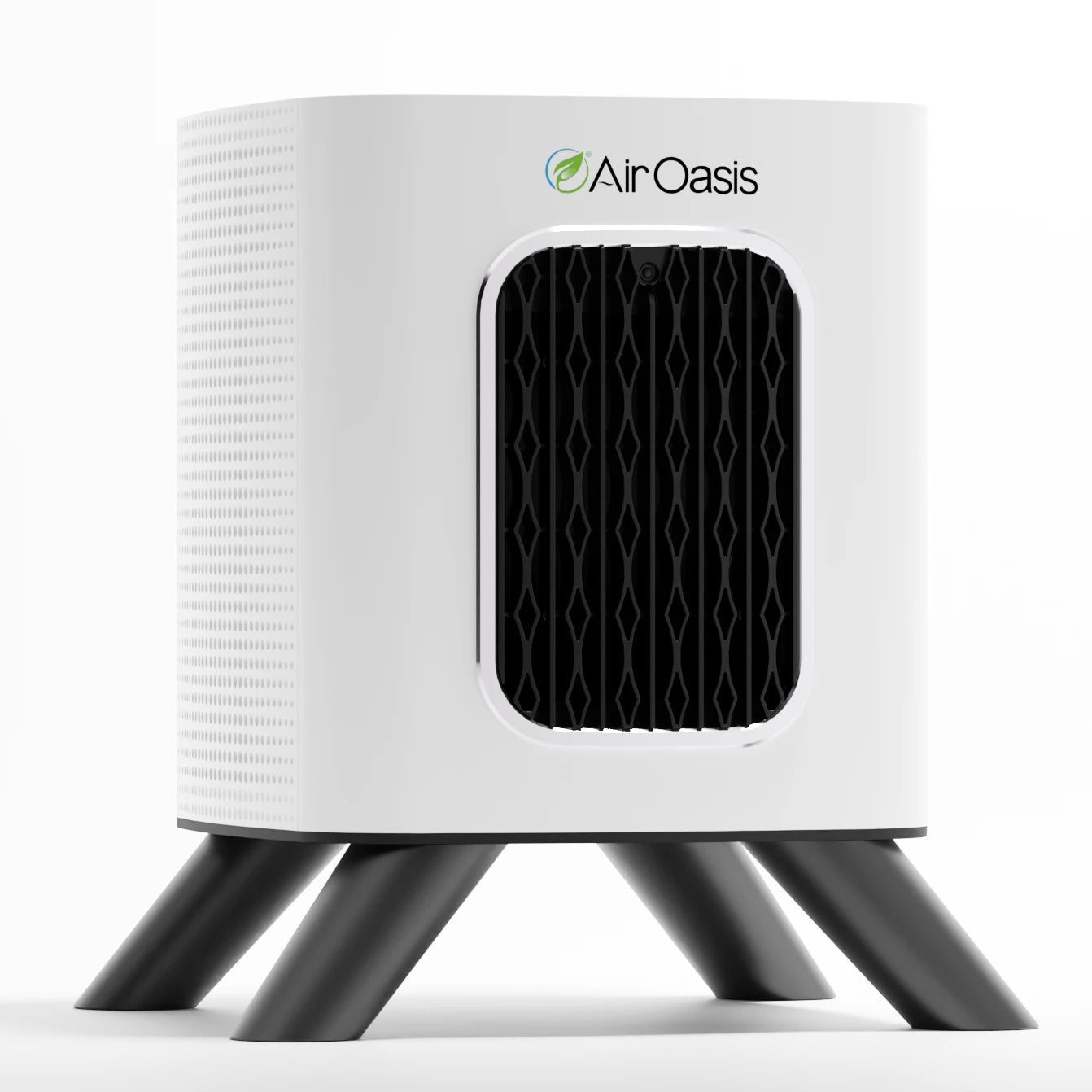
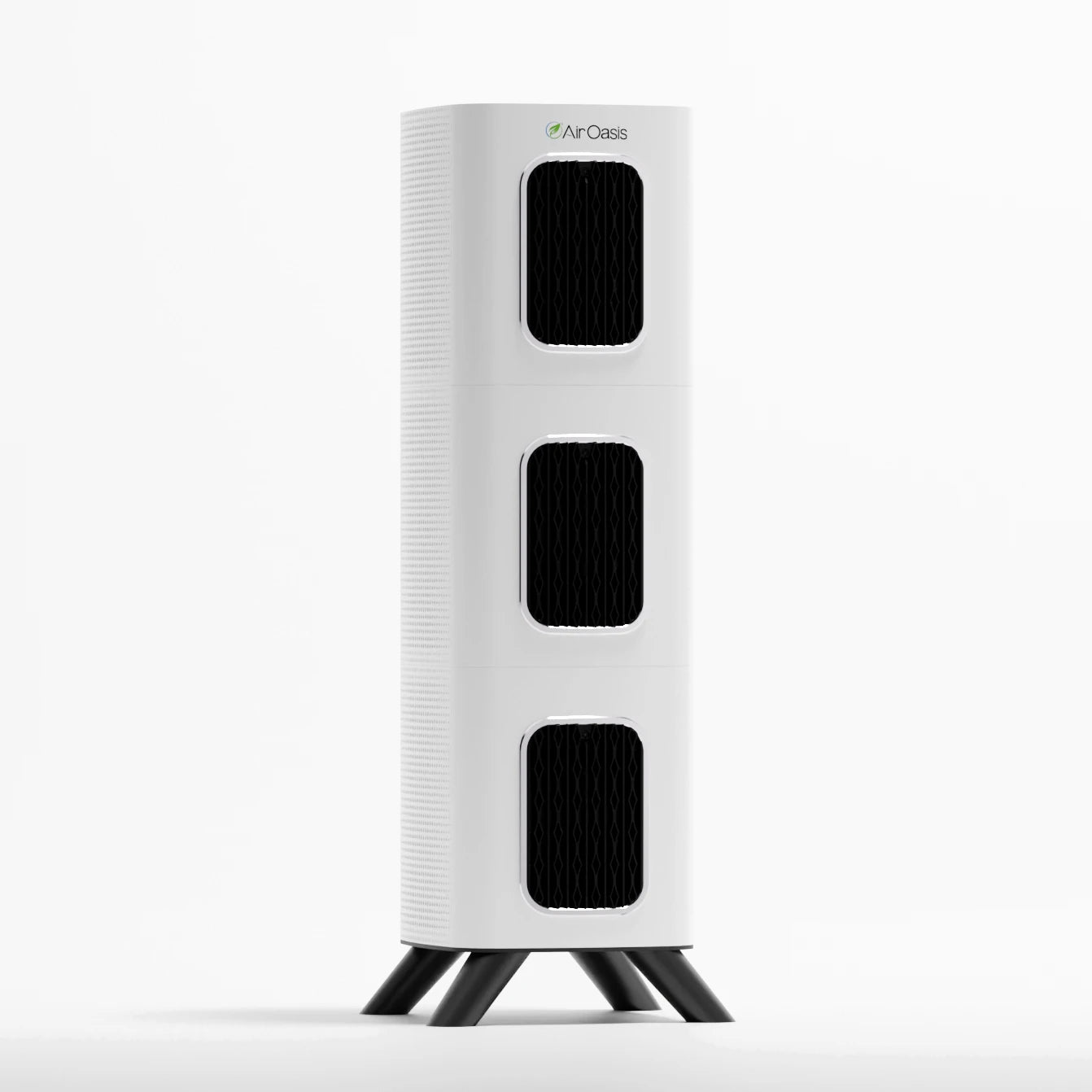
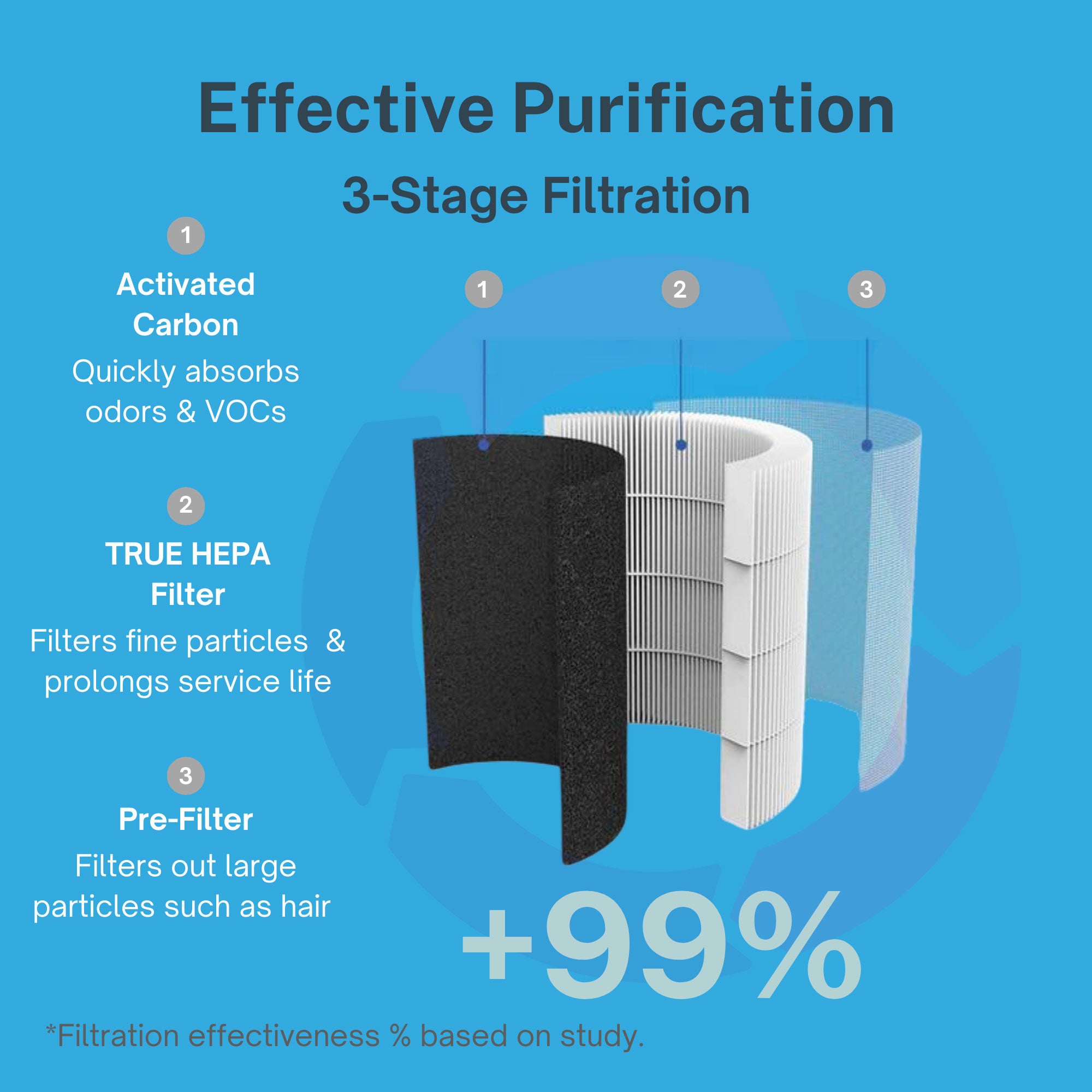
As long as you're using a filtration-based air purifier, moisture is not a concern for your electronics. The iAdaptAir uses true HEPA filtration, activated carbon, UV-C light, and bipolar ionization — none of which involve water or humidity output. Your laptop is safe.
The ionization question — and why it actually matters
This one is worth looking at more carefully. Ionization is a technology used in many air purifiers, including the iAdaptAir. It works by releasing charged particles into the air, which cause contaminants to clump together and either fall out of the air or get captured by the filter.
A common concern is whether ions can interfere with electronics. The short answer: bipolar ionization, which produces both positive and negative ions that quickly neutralize each other, does not generate the kind of sustained electrostatic charge that damages electronics. It is very different from unipolar ionizers, which produce a one-sided charge, or from ozone-generating purifiers, which produce a reactive gas that can degrade certain materials over time — including some plastics and rubber components used in electronics.
This is one of the concrete reasons ozone-free certification matters. Ozone is a reactive oxidant. At elevated concentrations, it can degrade materials, and there is documented evidence that prolonged ozone exposure can affect rubber gaskets, certain coatings, and other components found in electronics and appliances. An air purifier that generates significant ozone near your workstation is worth reconsidering — not because of an acute hazard, but because of cumulative material degradation over time.
The iAdaptAir is CARB-certified ozone-free. That certification is verifiable and meaningful. It means the unit has been tested and confirmed not to produce ozone above safe limits — not a marketing claim, but a third-party verified specification. You can run it near your electronics without the ozone concern.
What actually matters for placement near electronics
The real practical considerations when placing an air purifier near electronics aren't about electrical safety — they're about airflow.
The iAdaptAir requires a minimum clearance of 4 inches on all sides around all inlets and outlets. Placing it flush against a desk, tucked into a corner of a shelving unit, or wedged between a monitor and a speaker restricts airflow. That doesn't just reduce performance — it can affect how the unit manages its internal temperature over time.
Beyond clearance, consider the airflow pattern relative to your electronics. An air purifier pulls air in, filters it, and pushes clean air back out. The outflow direction matters. You generally don't want the unit blowing directly at a desktop computer's open ventilation slots, because that can interfere with the computer's own cooling airflow. Positioning the purifier so that it circulates room air broadly — drawing from one part of the room and pushing toward the center or another zone — is more effective for whole-room air quality anyway.
For a home office, a good position is typically on a nearby surface with clear space around it, not crammed into a tight desk corner. If the desk is against a wall, the floor nearby with adequate clearance from furniture works well. The goal is room-level circulation, not direct treatment of the air in front of your face.
What about the purifier's own electronics?
The iAdaptAir itself is an electrical appliance with its own circuit boards and components. The same general rules apply: keep it away from water sources, don't operate it in conditions of extreme heat, and don't block its ventilation. The manual specifies not to use it near water sources or volatile flammable materials, and not to place it in direct sunlight. Standard electrical appliance care applies.
The unit operates on 100–240VAC at 50–60Hz, making it compatible with standard household outlets. It does not require special grounding or electrical considerations beyond what you'd apply to any household appliance.
The home office use case
Home offices tend to have elevated VOC levels from electronics off-gassing — circuit boards, screens, and plastics all release small amounts of volatile organic compounds as they heat up during use. Activated carbon filtration, which the iAdaptAir includes, is specifically designed to absorb VOCs. Running an air purifier in your home office may therefore be more valuable than in many other rooms, not less.
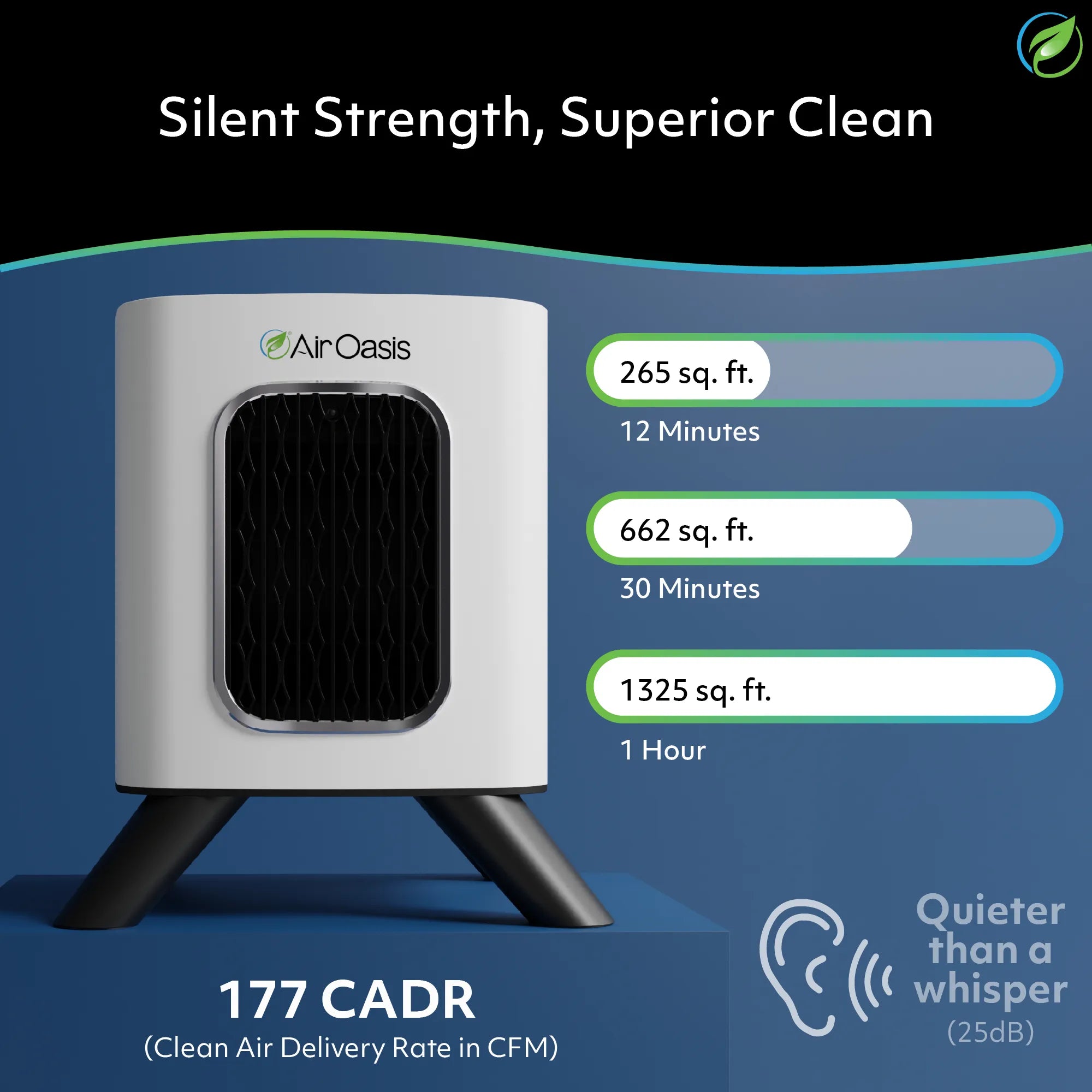
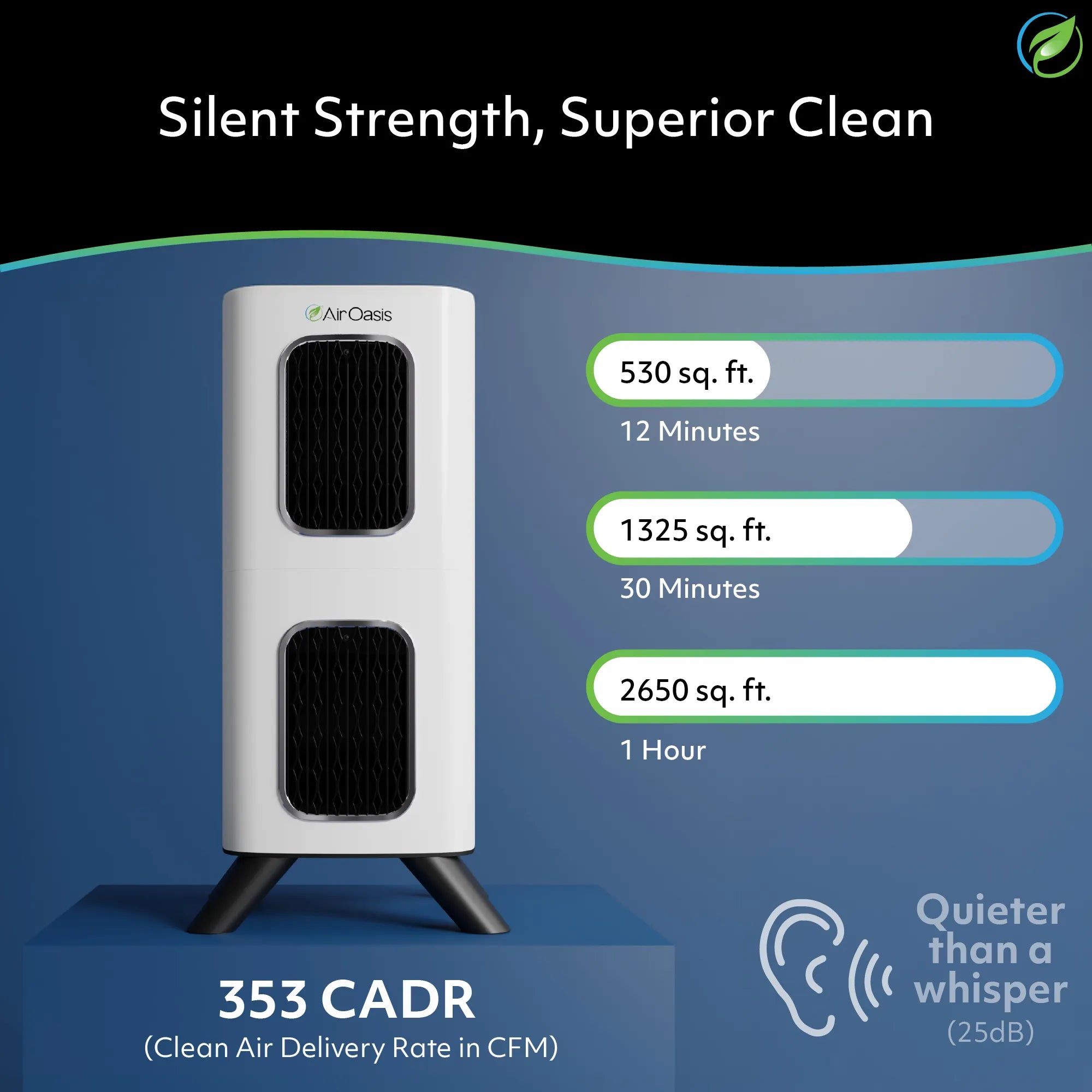
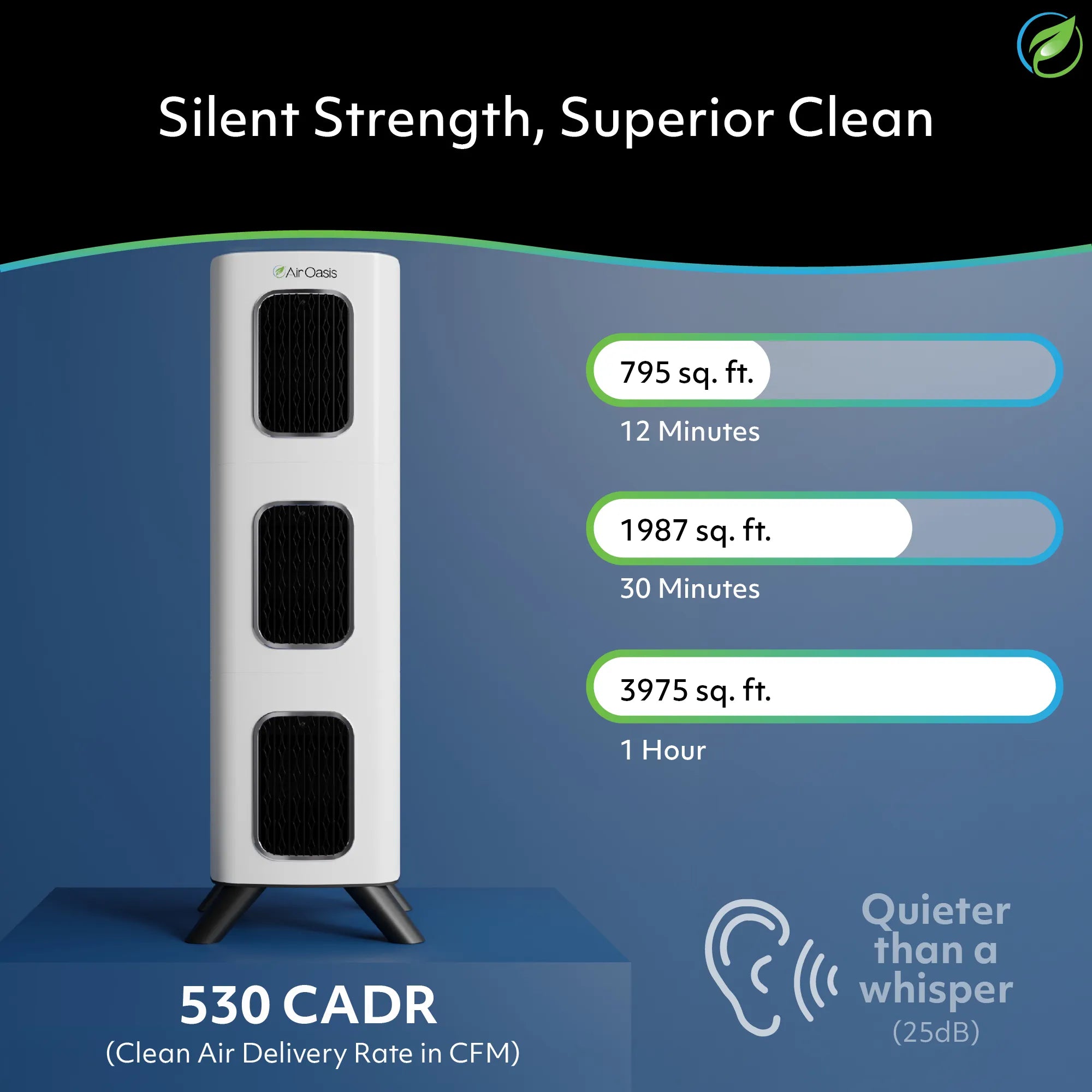
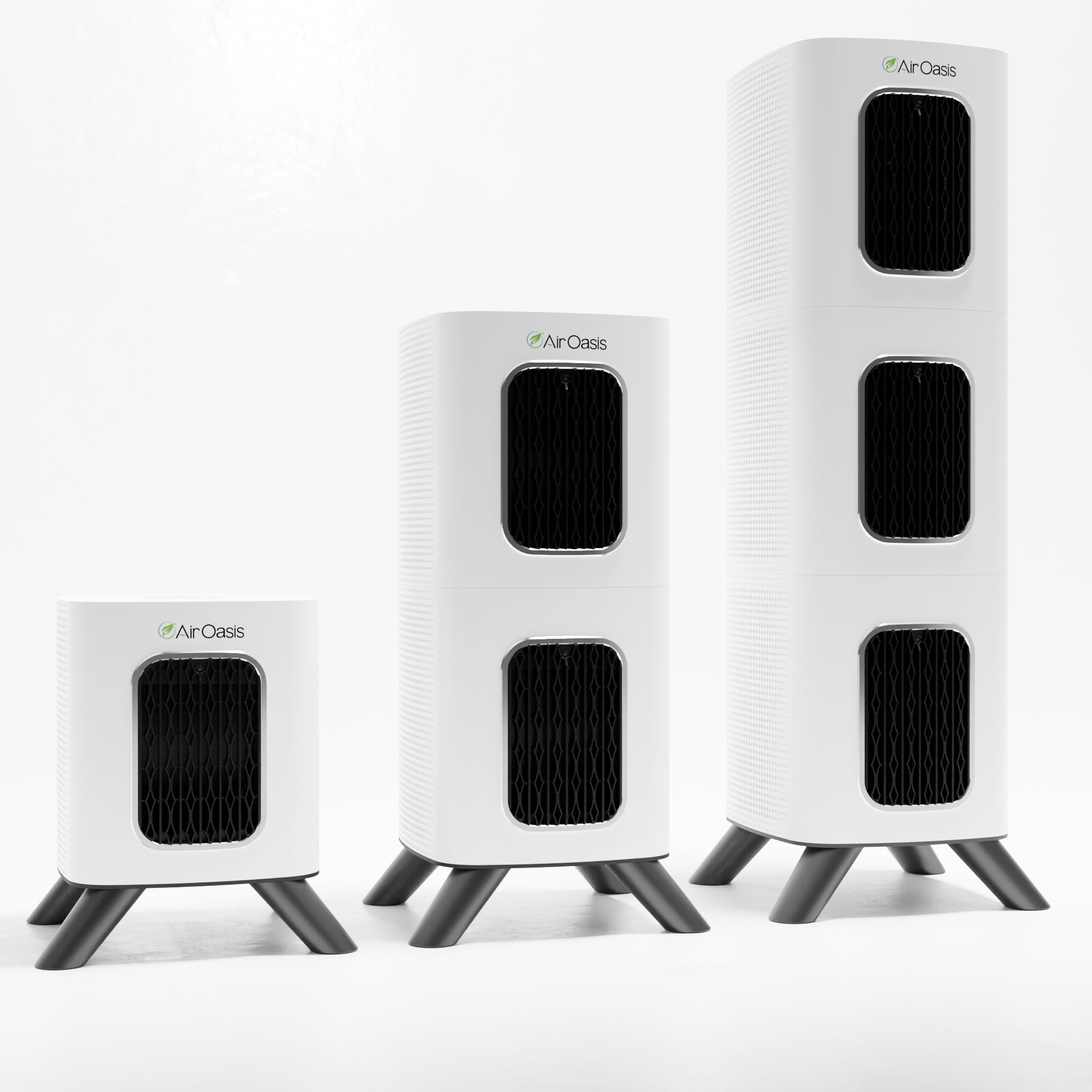
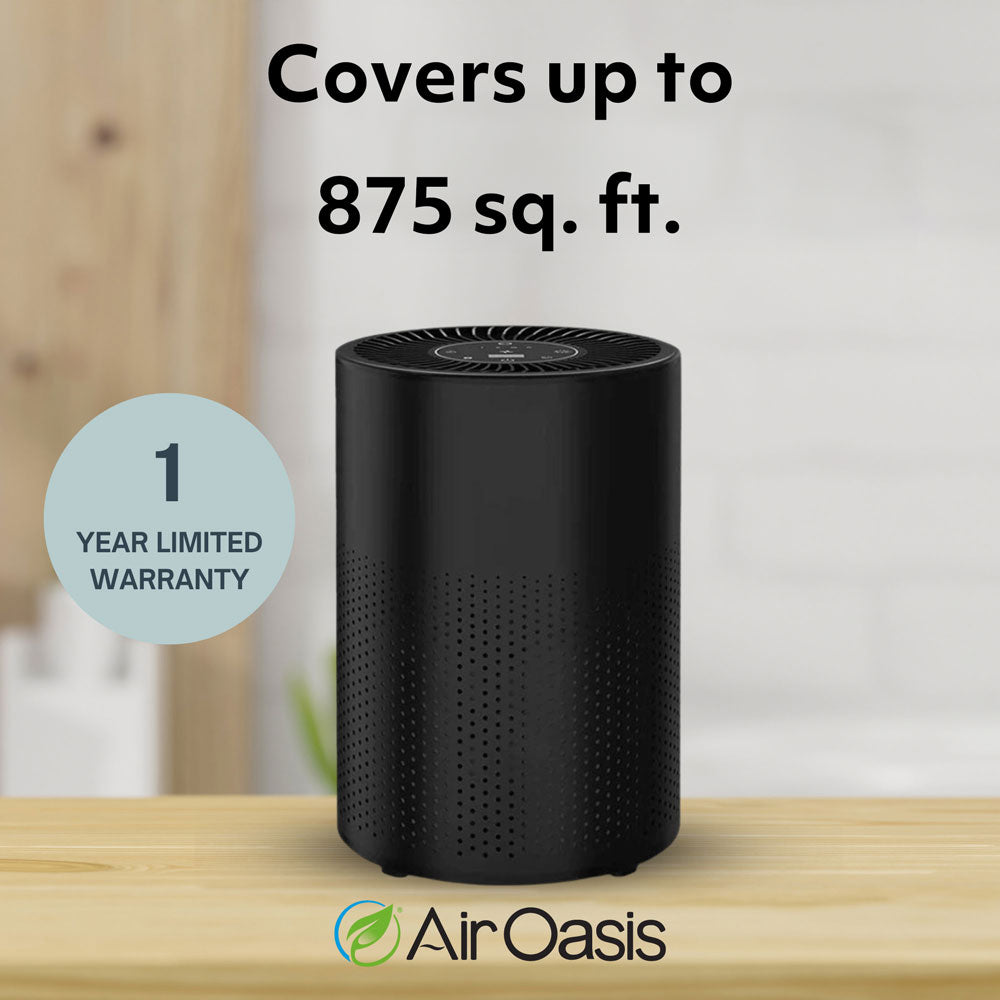
The iAdaptAir 2S covers up to 265 square feet — enough for most dedicated home offices or combined home office and bedroom spaces. For larger open-plan spaces that include a home office area, the 2M at 530 square feet or the 2L at 795 square feet provide the room coverage you need. Matching the unit to the actual square footage of the space ensures the air is cycling every 12 minutes, which is the basis for all coverage ratings.
Safe, practical, and genuinely useful
Running an air purifier near electronics is safe when you use a quality ozone-free unit and apply basic placement common sense. The moisture concern doesn't apply to filtration-based purifiers. Bipolar ionization doesn't damage electronics. And the VOCs released by your electronics are exactly what activated carbon filtration is designed to handle.
Your home office air can be meaningfully cleaner. Shop the iAdaptAir at Air Oasis and breathe better while you work. Breathe Better, Live Better.