You set up your air purifier, it's running, and now you're staring at the speed settings wondering if you're doing this right. High feels aggressive. Low feels like you might as well not bother. And Auto is the easy default that nobody fully understands.
Fan speed is one of the most underexplained parts of air purifier ownership. Here's a clear, practical guide to what each setting actually does and when to use it.
What fan speed actually controls
Fan speed determines how quickly your purifier pulls air through its filters. Higher speed means more air cycling through the unit per minute. Lower speed means less.
This sounds simple, but it has real consequences. A higher fan speed cleans the air faster. A lower fan speed cleans it more quietly, and with less strain on the motor and filters. Neither is universally better. The right setting depends on what's happening in the room at any given time.
The iAdaptAir has four fan speeds plus an Auto mode. Each serves a specific purpose.
When to run your purifier on high
High speed is for active air quality events — moments when there's a sudden increase in what's floating around your room.
Some situations that call for high speed:
- You're cooking something that produces smoke or strong odors
- You've just cleaned and kicked up a lot of dust
- Someone in the house has a cold and you want faster pathogen cycling
- Wildfire smoke or outdoor pollution is making its way inside
- You just moved into a new space and want to establish clean air quickly
- Allergy symptoms are flaring and you need fast relief
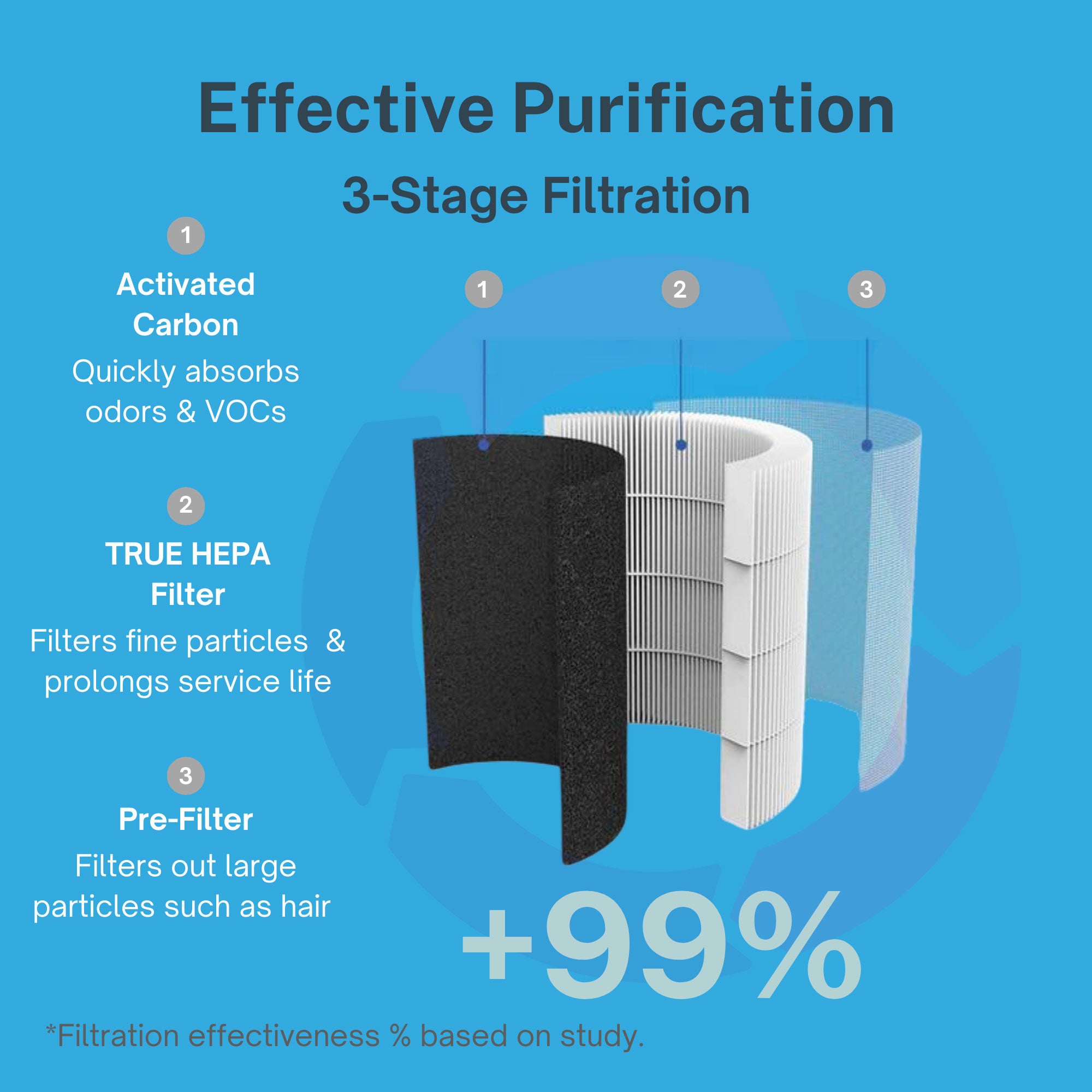
In these situations, running high gives you the fastest possible air turnover. The unit pulls more air through the HEPA filter and activated carbon layer in a shorter window, which means particles, odors, and airborne irritants get removed more quickly.
The tradeoff is noise and filter load. High speed is louder, and it processes air faster — which means the filter accumulates particles faster too. That's fine for periods of genuine air quality demand. It's not ideal as a permanent setting in a bedroom where you're trying to sleep.
When to run your purifier on low
Low speed is for maintenance — keeping clean air clean in a room where conditions are already good.
Think of it this way: once a room has been cycling for several hours and the particle count is low, you don't need high airflow to maintain that. Low speed keeps the air turning over, captures new particles as they enter the space, and does all of this quietly in the background.
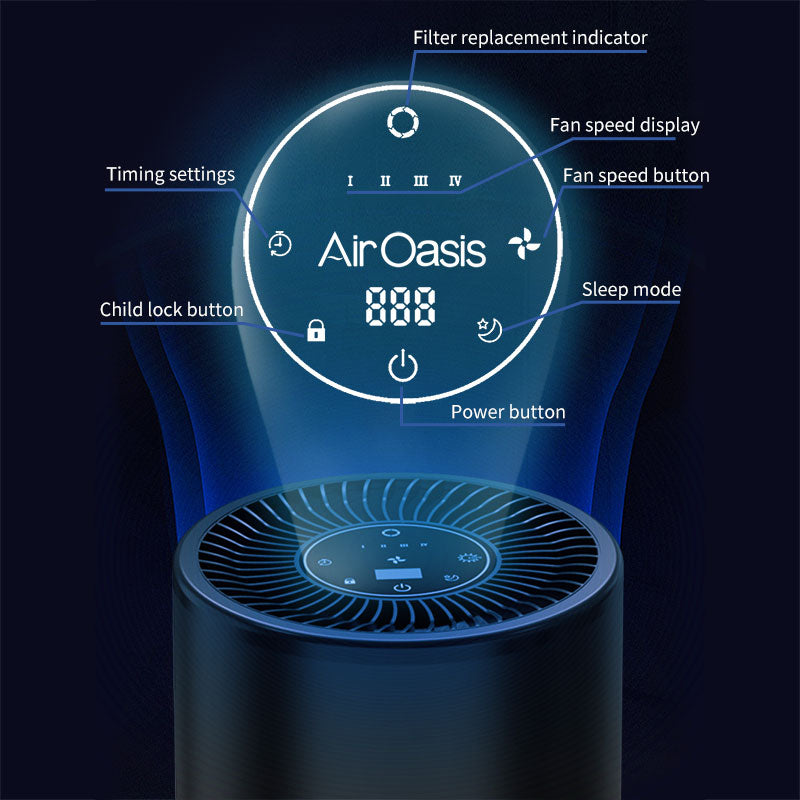
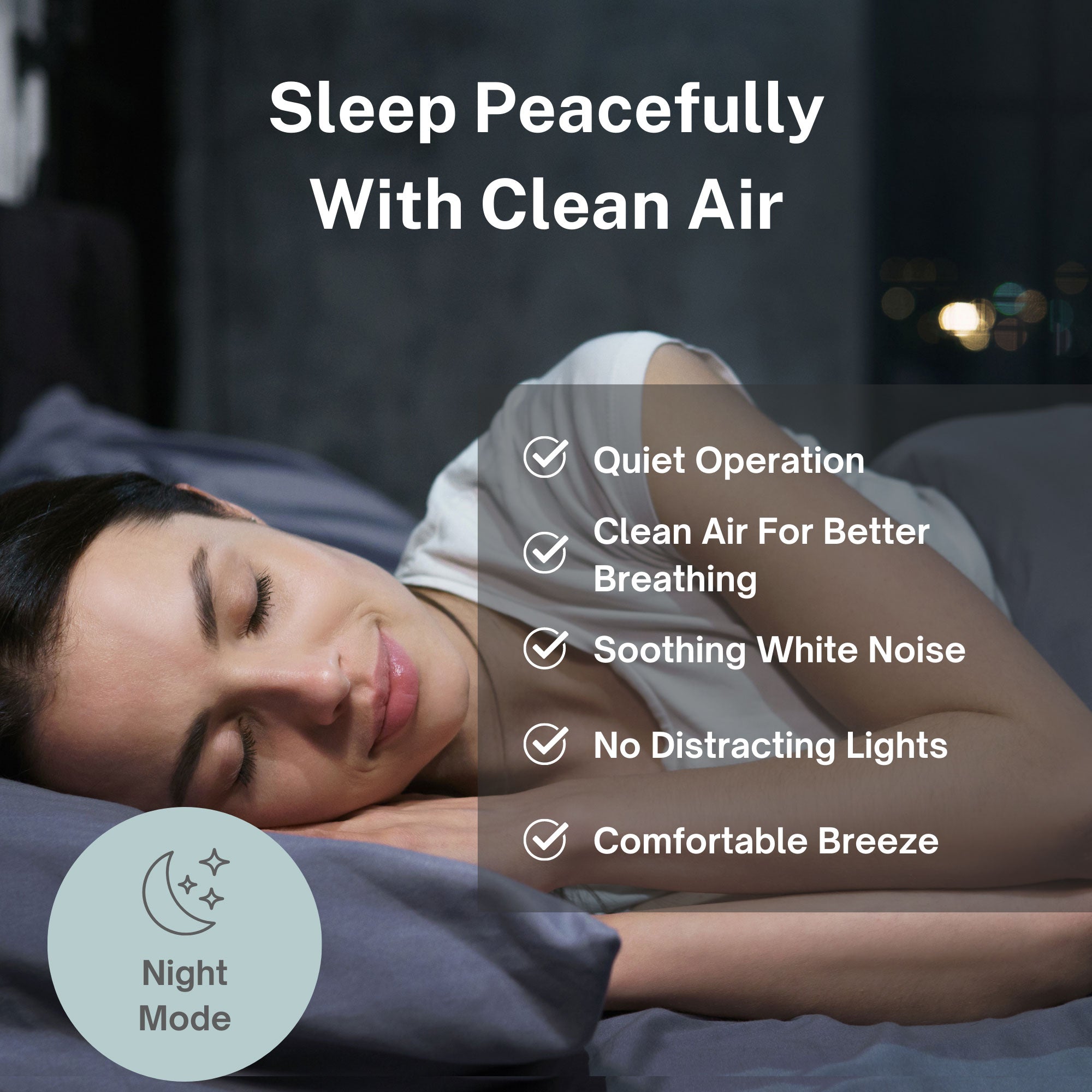
Low speed is often the right overnight setting. The iAdaptAir's Night Mode locks the control panel and dims all lights — designed specifically for people who want the unit running while they sleep without noise or light interruption. On a low speed in Night Mode, the unit is nearly silent and still doing meaningful work.
It's also a reasonable default setting during calm daytime hours when no particular air quality events are happening — while you're working at a desk, reading, or the room is empty.
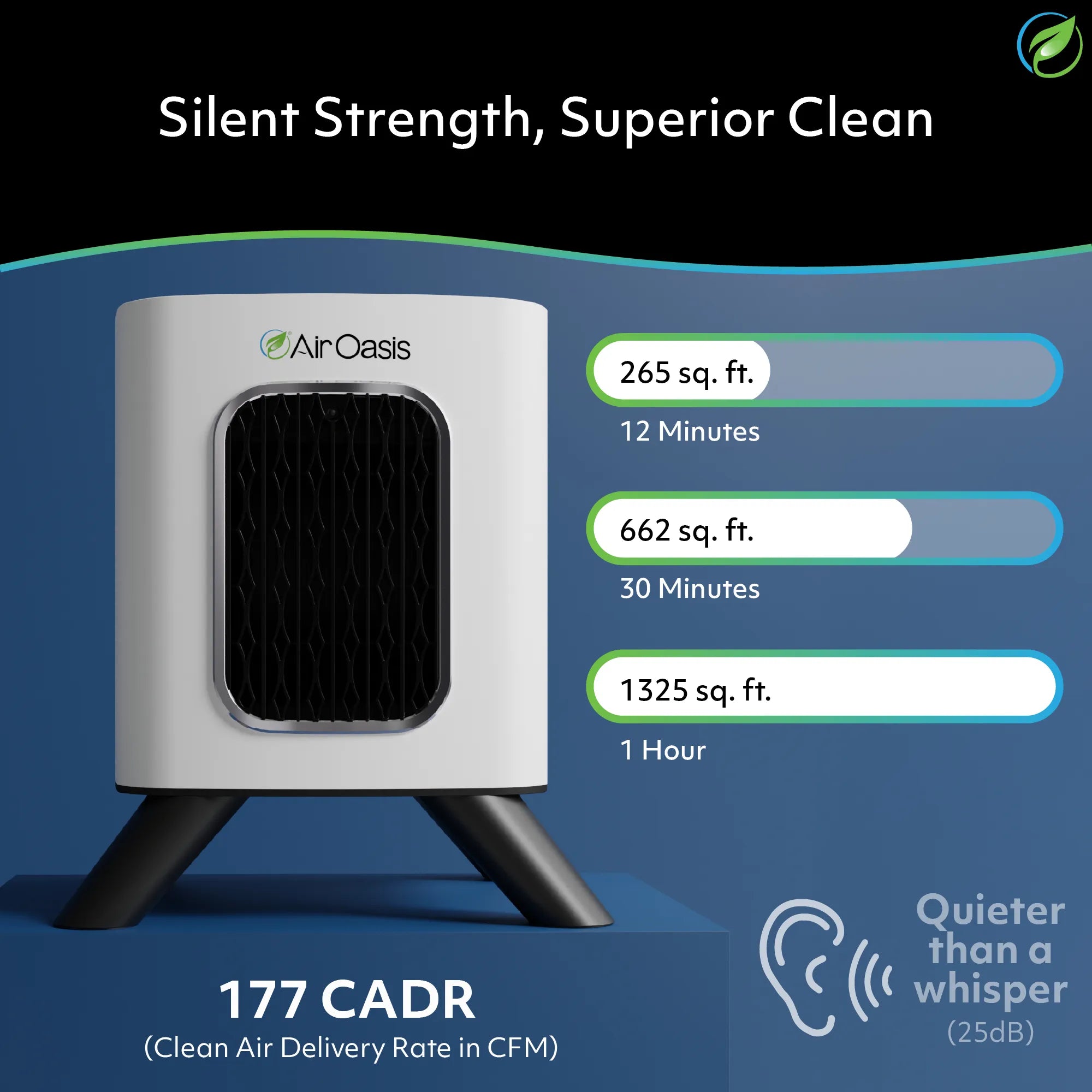
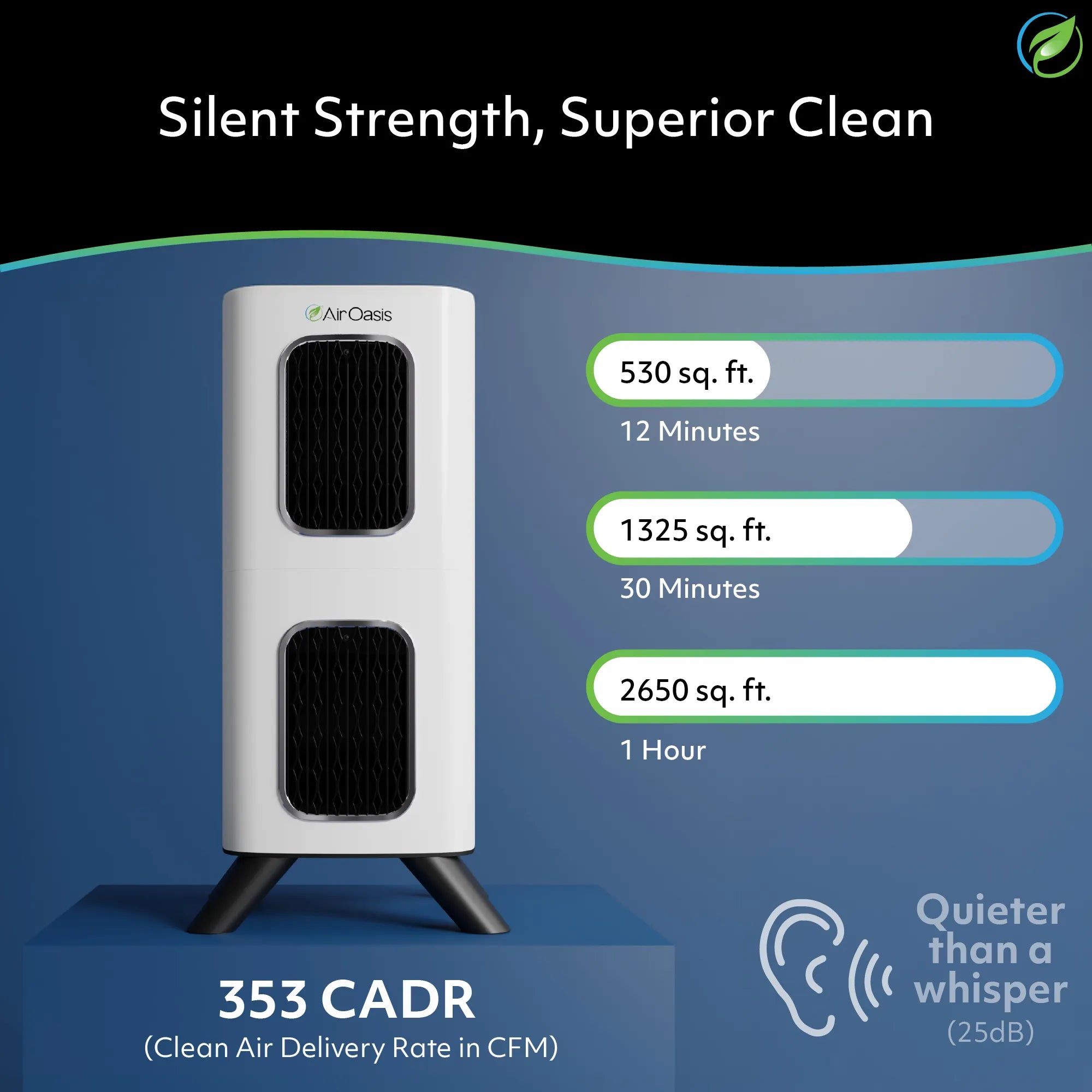
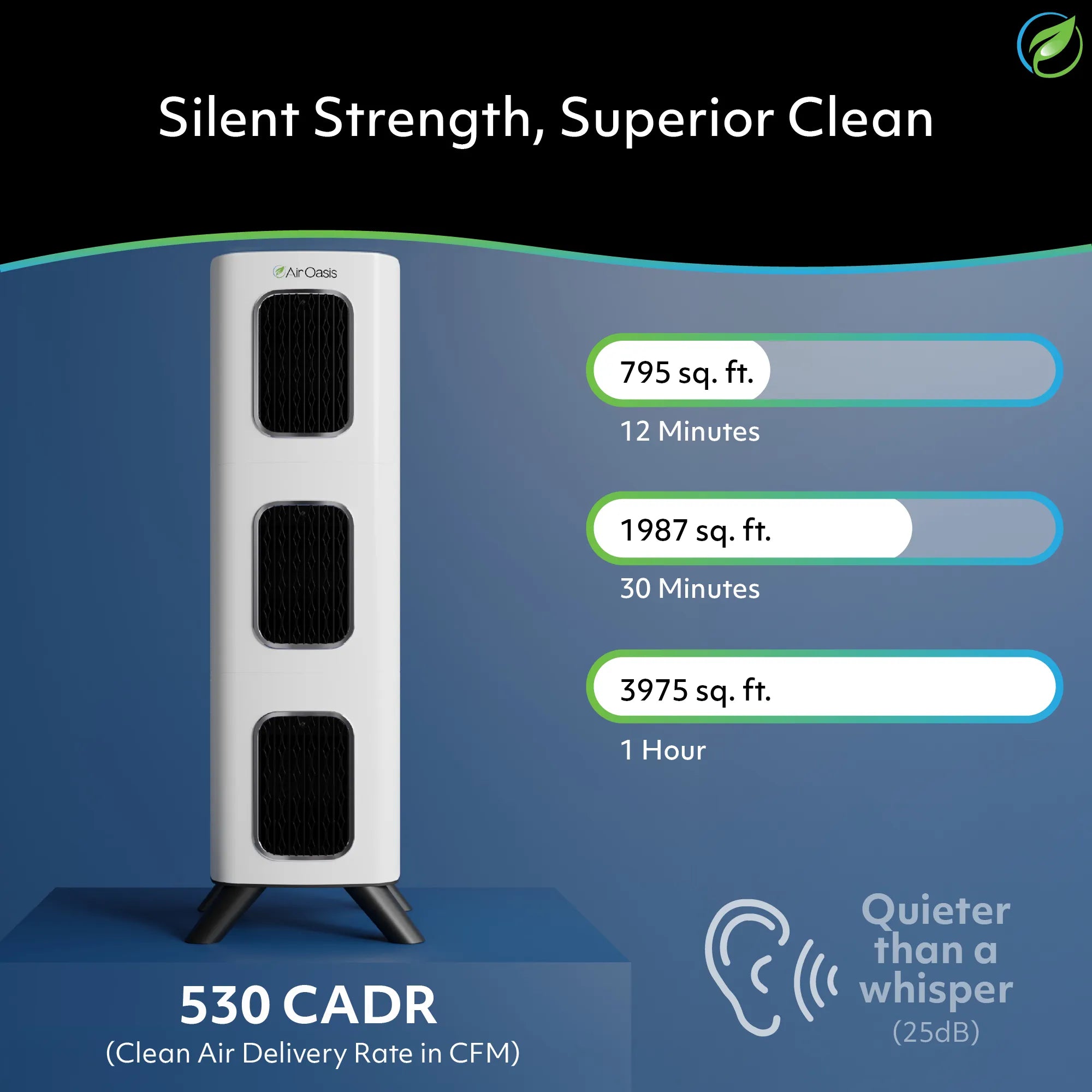
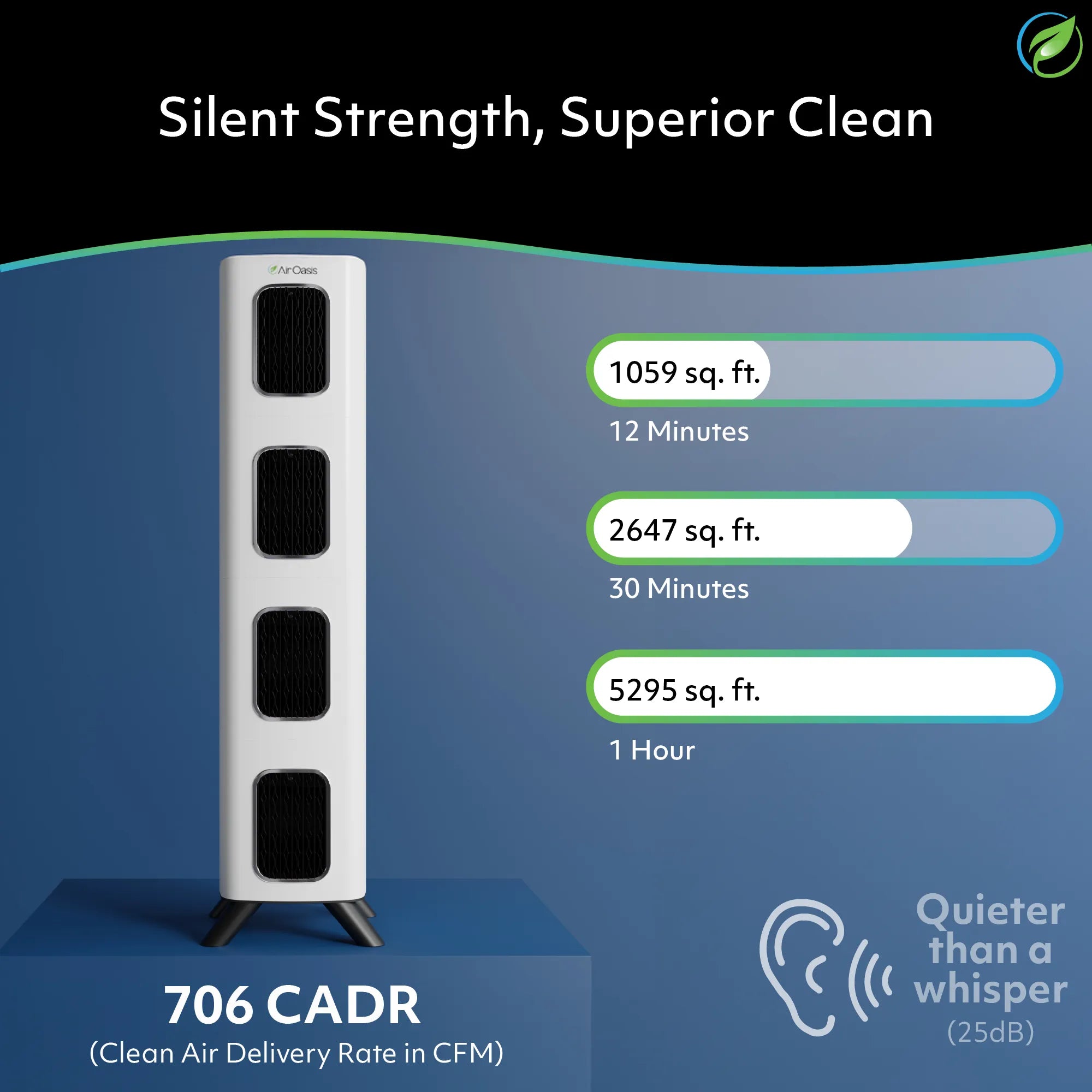
One thing worth knowing: the iAdaptAir's coverage ratings assume a 12-minute full air cycle. That rating is based on appropriate fan speed for the room size. If you run a unit on low in a room it's barely sized for, you lose some of that coverage efficiency. If your unit is appropriately sized or slightly larger than your room requires, low speed works well. If your unit is at the edge of its coverage range, spending more time on medium or high makes up for it.
What Auto mode is actually doing
Auto mode is the setting most people use and few people understand. Here's how it works on the iAdaptAir.
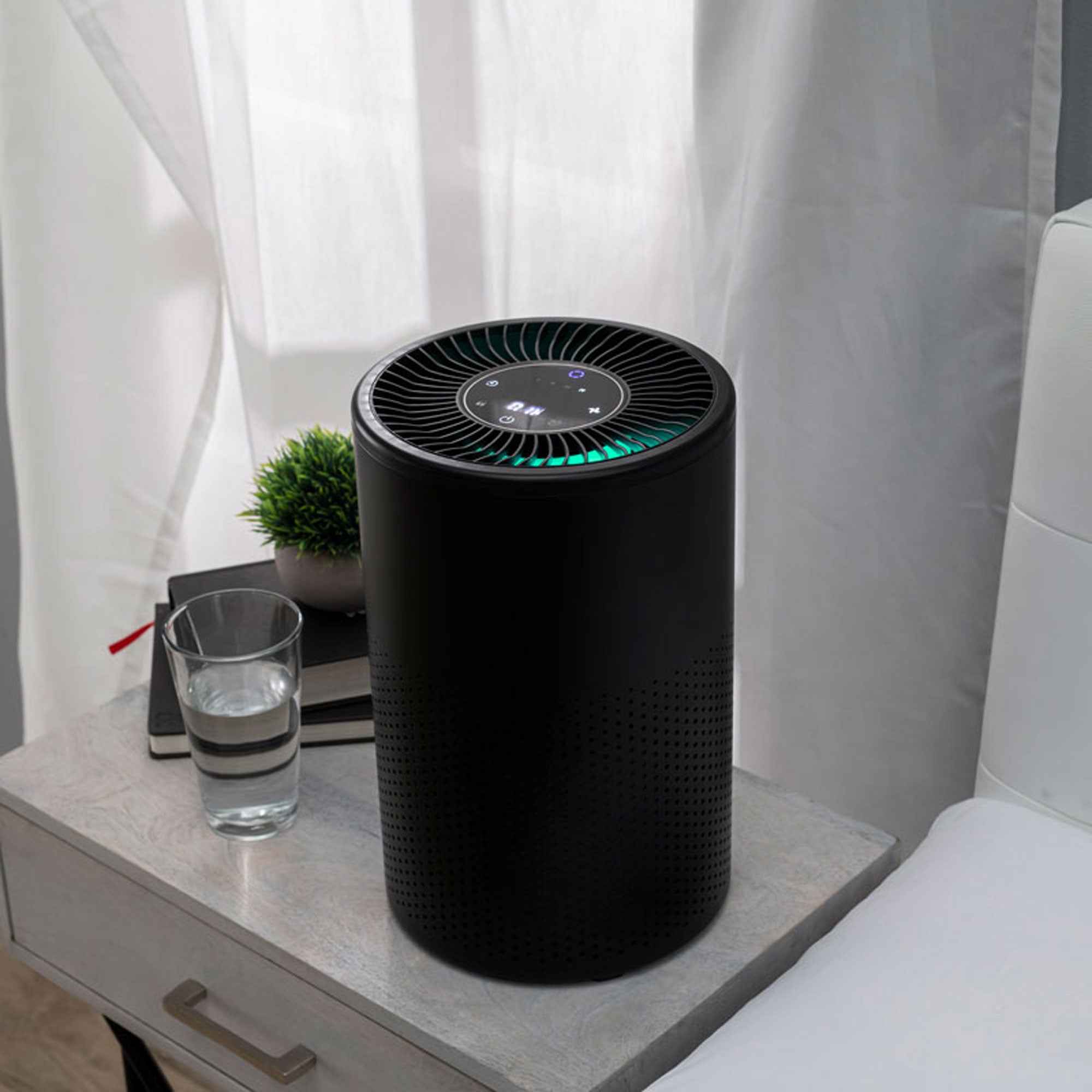
The unit has a built-in particle sensor. Auto mode reads that sensor in real time and adjusts fan speed based on actual air quality in the room. The air quality indicator ring tells you what it's seeing:
When air quality is excellent (green, 0–75 μg/m³ particle count), the unit runs at Speed 1 — its quietest, most efficient setting.
When air quality is moderate (orange, 76–150 μg/m³), the unit steps up to Speed 3.
When air quality is poor (red, above 150 μg/m³), the unit runs at Speed 4 — maximum output.
When air quality improves, the unit waits 30 seconds before stepping back down. This prevents the fan from cycling up and down rapidly in response to brief fluctuations.
Auto mode is genuinely useful because it responds to what's actually happening rather than what you assume is happening. You light a candle, someone opens the front door and pollen drifts in, the dog walks through — the sensor picks up the particle change and the unit responds. When things settle, it quiets back down.
For most people in most rooms, Auto mode is the right default. It's not lazy. It's intelligent.
The one situation where manual control beats Auto
Auto mode reads particles. It doesn't directly detect gases, VOCs, or odors the way a dedicated VOC sensor would.
This matters in specific scenarios. If you're running a cleaning product that off-gasses VOCs, burning a candle (which releases combustion compounds before the particle sensor would spike), or dealing with a paint or renovation smell, you may want to manually set a higher speed even if the indicator ring looks green. The unit's carbon filter is working on those gaseous compounds regardless, but higher airflow means more air passing through that carbon layer per hour.
In short: Auto is excellent for particle-based events. For gas and odor events, trust your nose and step up manually.
A practical cheat sheet for daily use
The iAdaptAir doesn't require constant tending. But knowing when to intervene helps you get the most from it.
Default setting for most situations: Auto. Let the sensor do its job.
Sleeping: Low speed or Night Mode. The unit stays active, but runs quietly without disturbing sleep.
Cooking, cleaning, or any activity that stirs up particles or odors: Step up to Speed 3 or 4 manually. Return to Auto when the event is over.
Someone is sick in the house: Run at higher speed during waking hours to cycle air more aggressively through the UV-C and HEPA filtration layers.
Room has been empty for several hours: Let Auto bring it back up when you return — it will detect any buildup and respond.
One more thing worth mentioning
Speed settings also affect how the iAdaptAir calculates remaining filter life. The filter countdown uses a combination of runtime, fan speed, and real-time air quality readings. Running at higher speeds consistently moves more air through the filter and will draw down filter life faster — which is honest and accurate. If you've had a stretch of heavy-use periods, check the filter indicator more frequently than you otherwise might.
The iAdaptAir's filter life indicator will flash when fewer than 60 hours of filter life remain. Don't ignore it. A saturated filter means your purifier is working hard and delivering less.
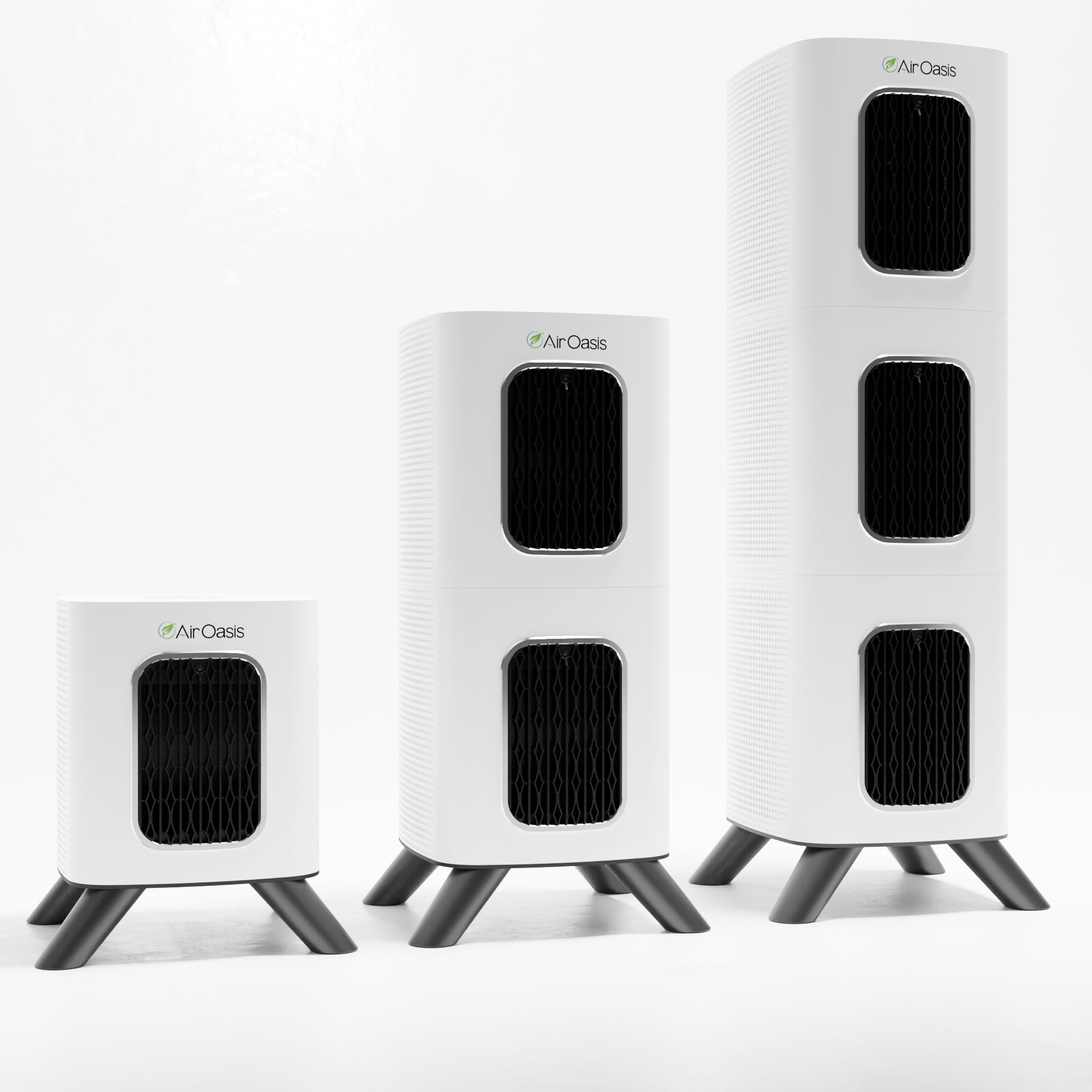
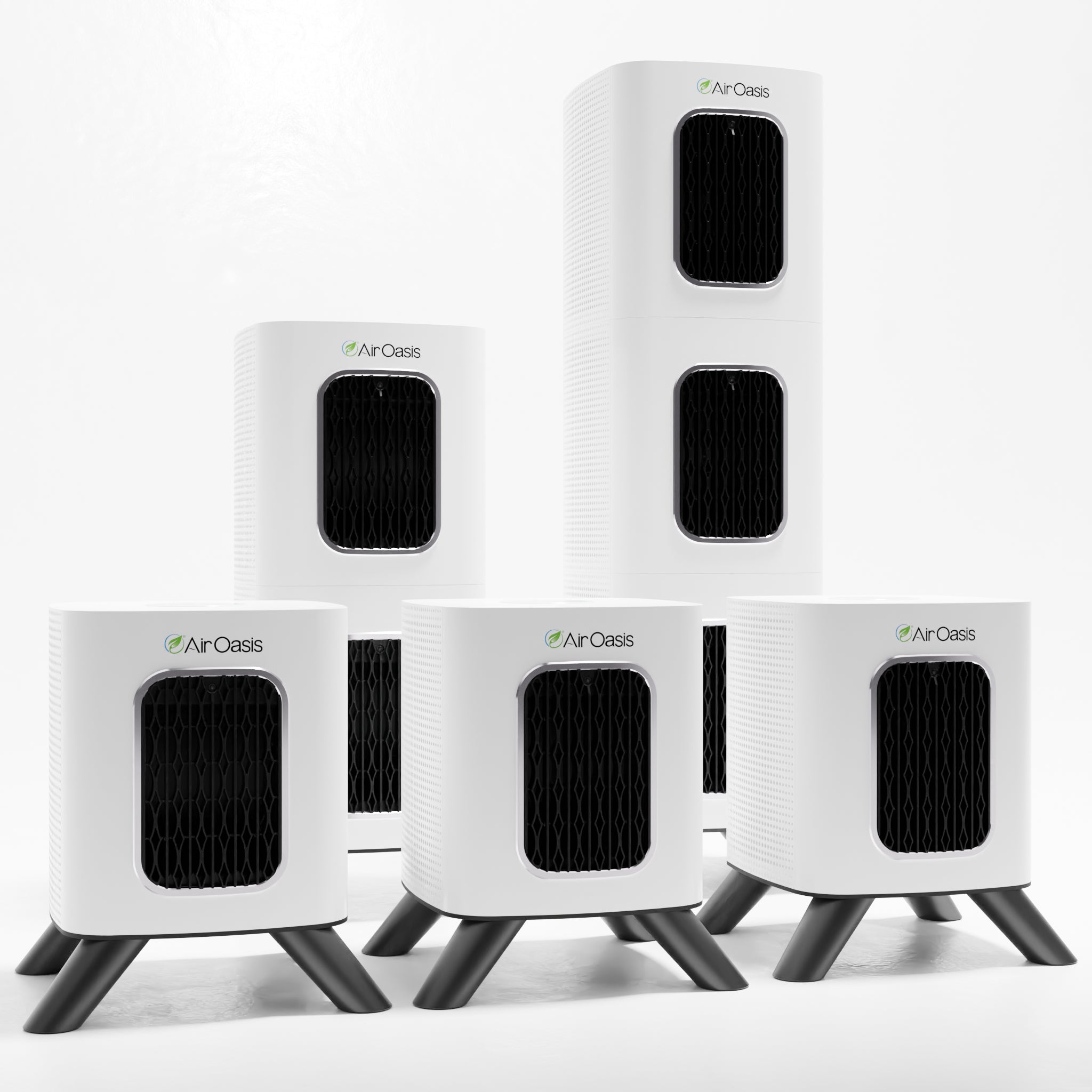
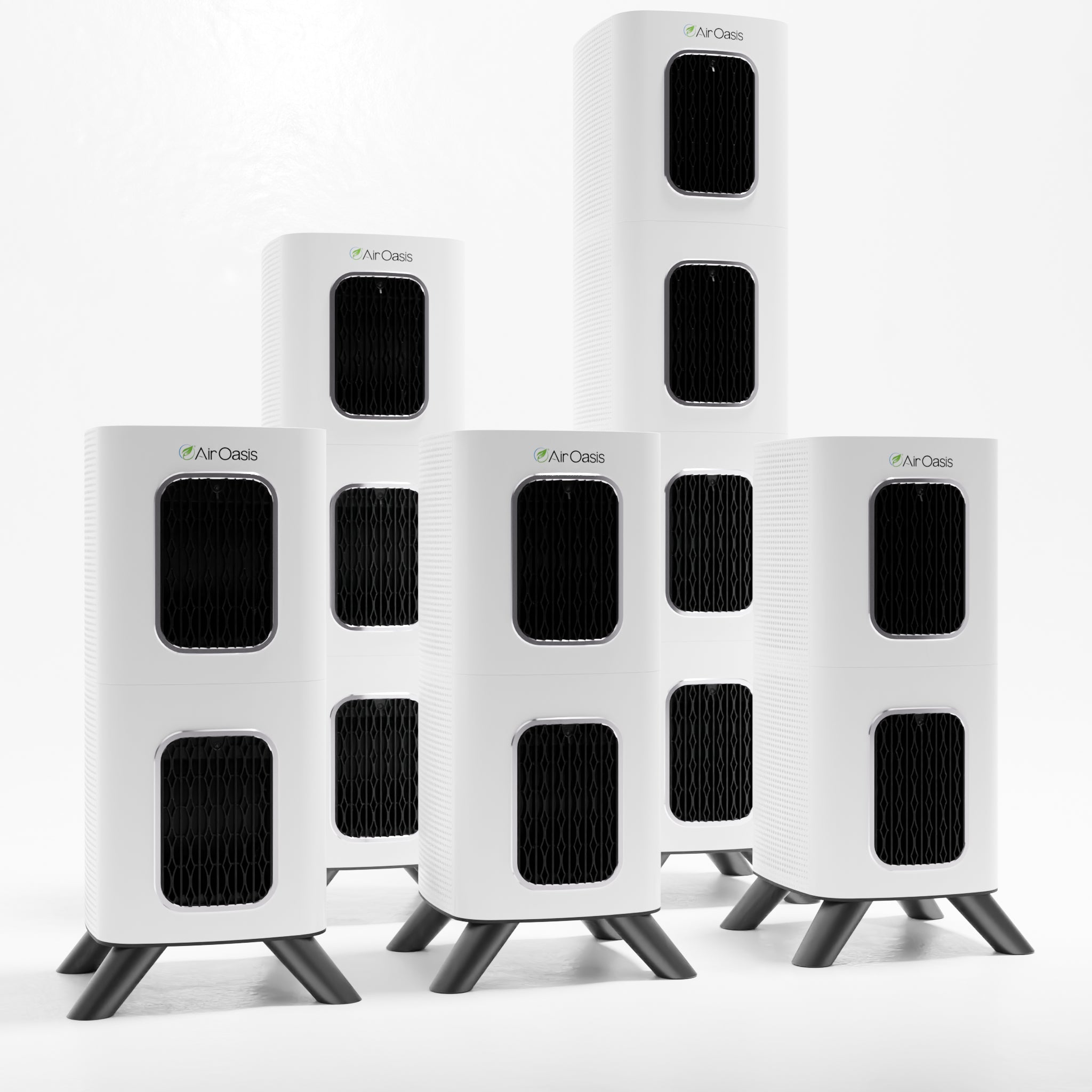
Clean air doesn't happen at one speed. It happens at the right speed for the right moment. Shop Air Oasis and find the iAdaptAir sized for your space. The 2S covers up to 265 square feet, the 2M handles up to 530, the 2L covers up to 795, and the 2P covers up to 1,059 square feet. Breathe Better, Live Better.