You spent good money on an air purifier to protect your health. But common mistakes can sabotage its effectiveness, waste your investment, and even damage the unit. Understanding what not to do with your air purifier ensures you get maximum performance and longevity.
Don't Block the Air Inlets or Outlets
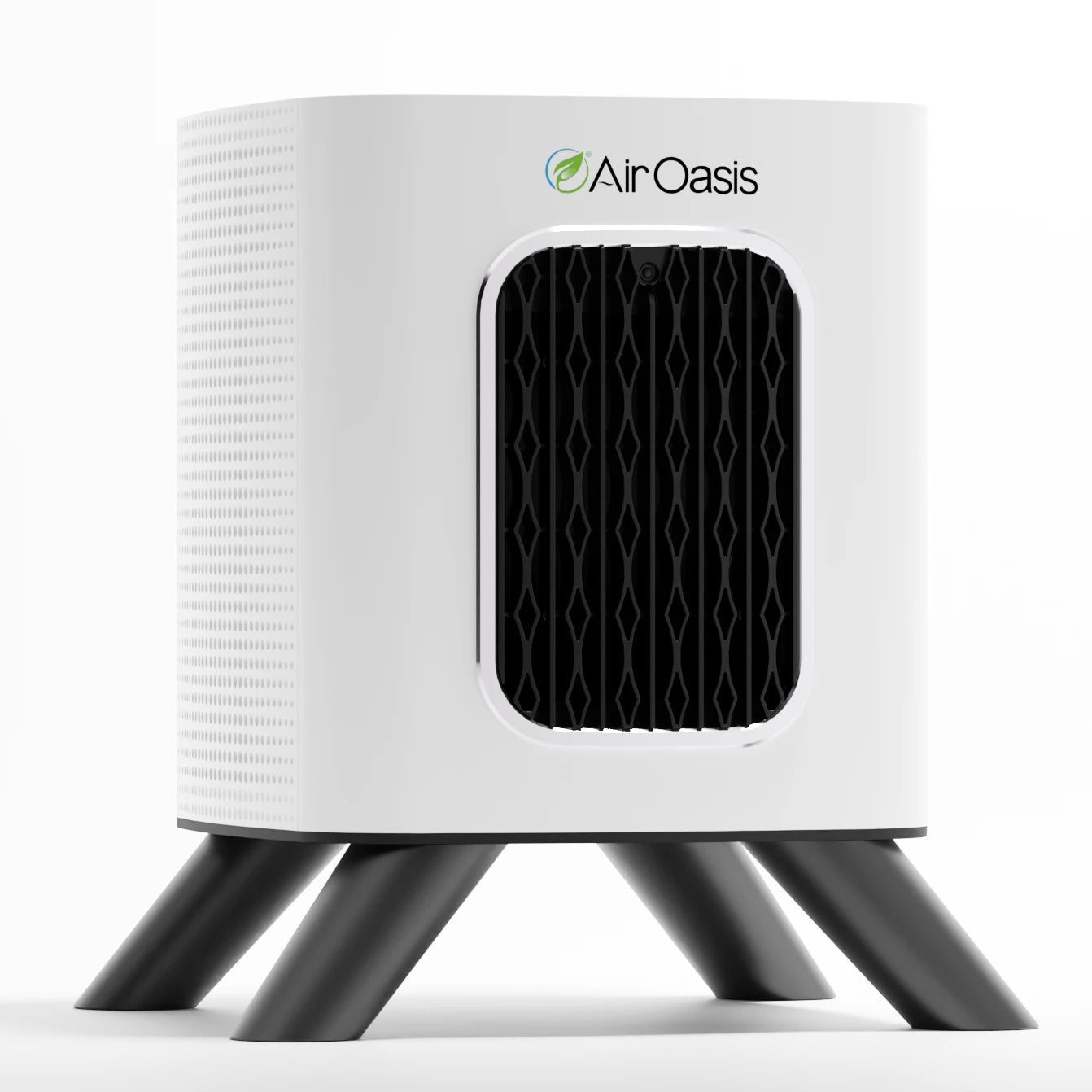
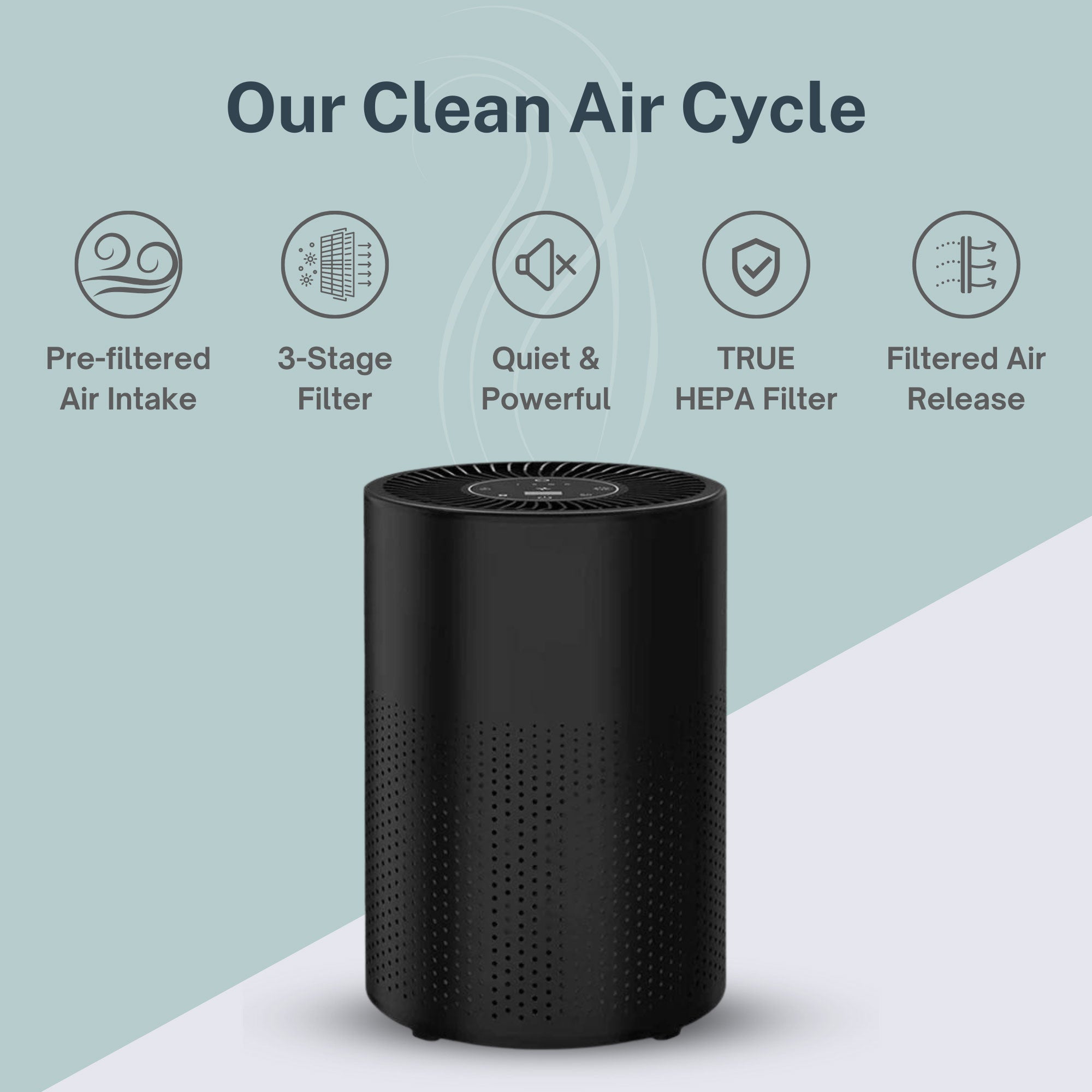
Air purifiers need space to breathe. The iAdaptAir system pulls contaminated air through inlet vents and releases purified air through outlet vents. Blocking either disrupts this crucial airflow pattern.
Keep at least four inches of clearance around all vents. Don't push your purifier flush against walls. Don't place it behind furniture or in corners where air circulation is restricted. Don't drape towels or blankets over the unit. Don't set objects on top of the purifier.
Blocked vents force the fan motor to work harder. This increases energy consumption and accelerates wear on internal components. Restricted airflow also prevents the purifier from cycling air efficiently through its filtration stages. Your air stays contaminated longer. Your filters clog faster. Your unit may overheat.
The iAdaptAir's sensors detect air quality and automatically adjust the fan speed in AUTO mode. When vents are blocked, sensors can't accurately assess room air quality because they're measuring stagnant air around the unit rather than representative room air.
Don't Ignore Filter Replacement Schedules
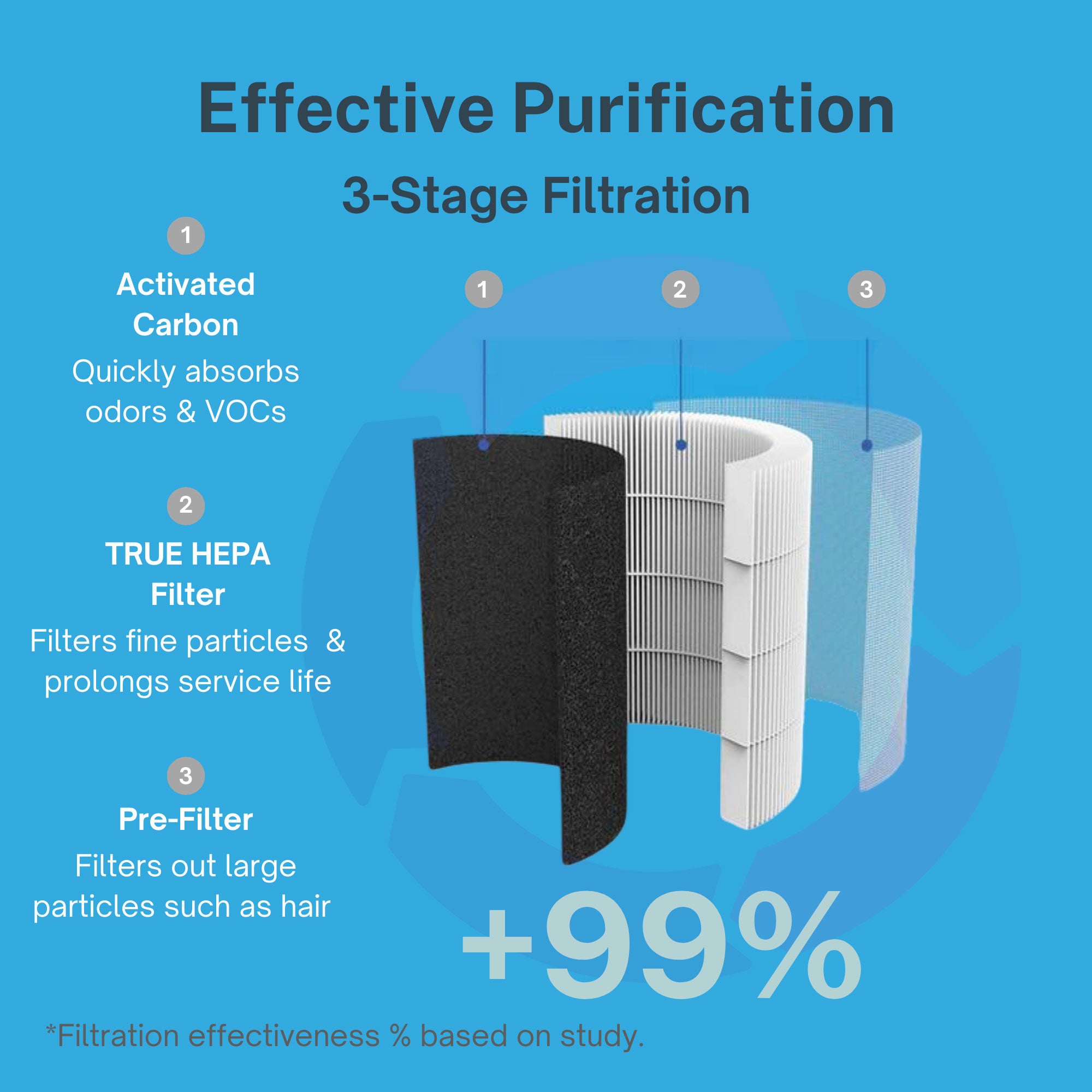
Your air purifier's effectiveness depends entirely on clean filters. HEPA filters trap microscopic particles. Activated carbon filters absorb odors and VOCs. UV-C lights neutralize pathogens. But saturated filters can't perform these functions.
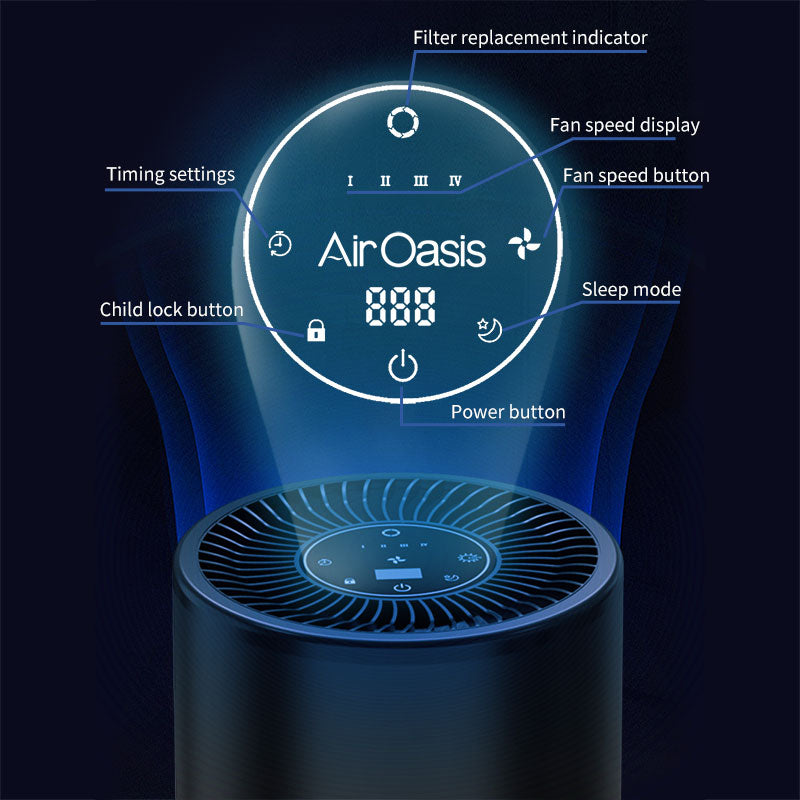
The iAdaptAir displays remaining filter life as a countdown from 100% to 0%. When less than 60 hours remain, the percentage icon flashes. This is your warning to order replacement filters. Don't ignore it.
Continuing to run an air purifier with exhausted filters accomplishes nothing. Saturated HEPA filters can't capture additional particles. They may even release previously trapped contaminants back into your air. Spent carbon filters lose their absorption capacity. Your purifier runs constantly without actually improving air quality.
Some people try to extend filter life by vacuuming HEPA filters. Don't do this. HEPA filters are delicate. Vacuum suction can tear the filter media or dislodge fibers. This creates gaps that allow particles to pass through unfiltered. Replace filters on schedule. After installing new filters, hold the toggle button for three seconds to reset the filter life countdown.
Don't Place Your Purifier in Direct Sunlight
Sunlight damages air purifier components over time. UV radiation degrades plastic housings. Heat warps internal parts. Direct sunlight also interferes with the iAdaptAir's air quality sensors, which can produce inaccurate readings in bright light.
Position your purifier away from windows with direct sun exposure. If room layout limits placement options, use curtains or blinds to shield the unit during peak sunlight hours. Choose locations with stable ambient temperatures between normal room conditions.
Don't Use It Near Water Sources
Air purifiers contain electronic components and electrical connections. Water and electronics don't mix. Never place your iAdaptAir in bathrooms near showers or tubs. Don't position it near kitchen sinks. Don't use it in laundry rooms where washing machine leaks occur. Don't set drinks on top of the unit.
Moisture infiltration can short circuit the control board. It can corrode internal wiring. It can damage the fan motor. Water exposure voids your warranty. The owner's manual explicitly prohibits rinsing the appliance with water.
If you need air purification in moisture-prone areas, ensure proper placement away from direct water exposure. Use exhaust fans to control humidity. Keep the purifier elevated on furniture rather than floor level where spills or leaks might reach it.
Don't Run It Without the Top Cover Properly Secured
The iAdaptAir won't power on if the top cover isn't correctly seated. This safety feature prevents operation when filters aren't properly installed. Don't try to bypass this mechanism.
To secure the cover, slide it toward the back of the purifier. Then press down on the two circles in front to activate the push latches. You should hear or feel the latches engage. If your purifier won't turn on, check that the cover is fully secured before assuming electrical problems.
Don't Forget About the Ionizer and UV Features
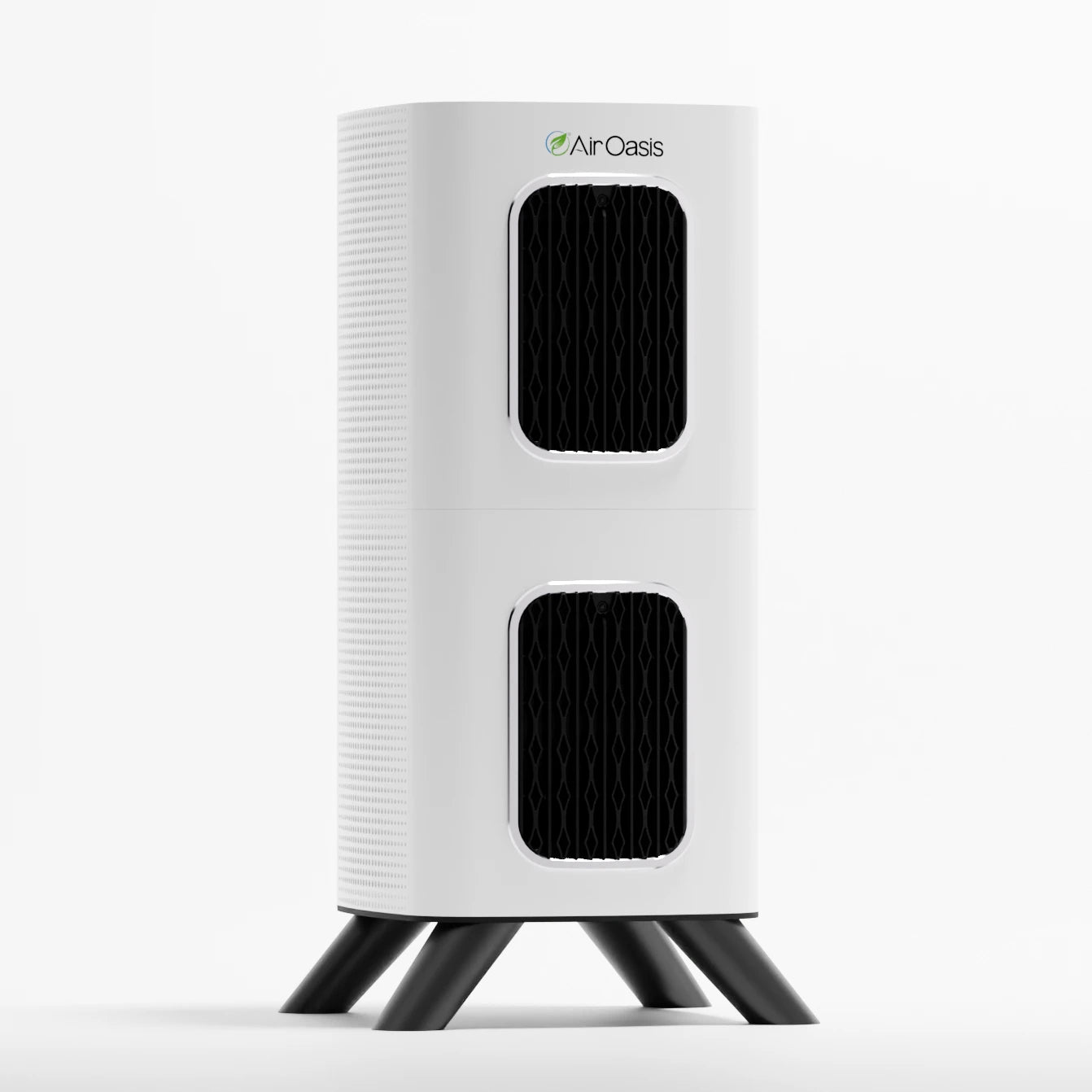
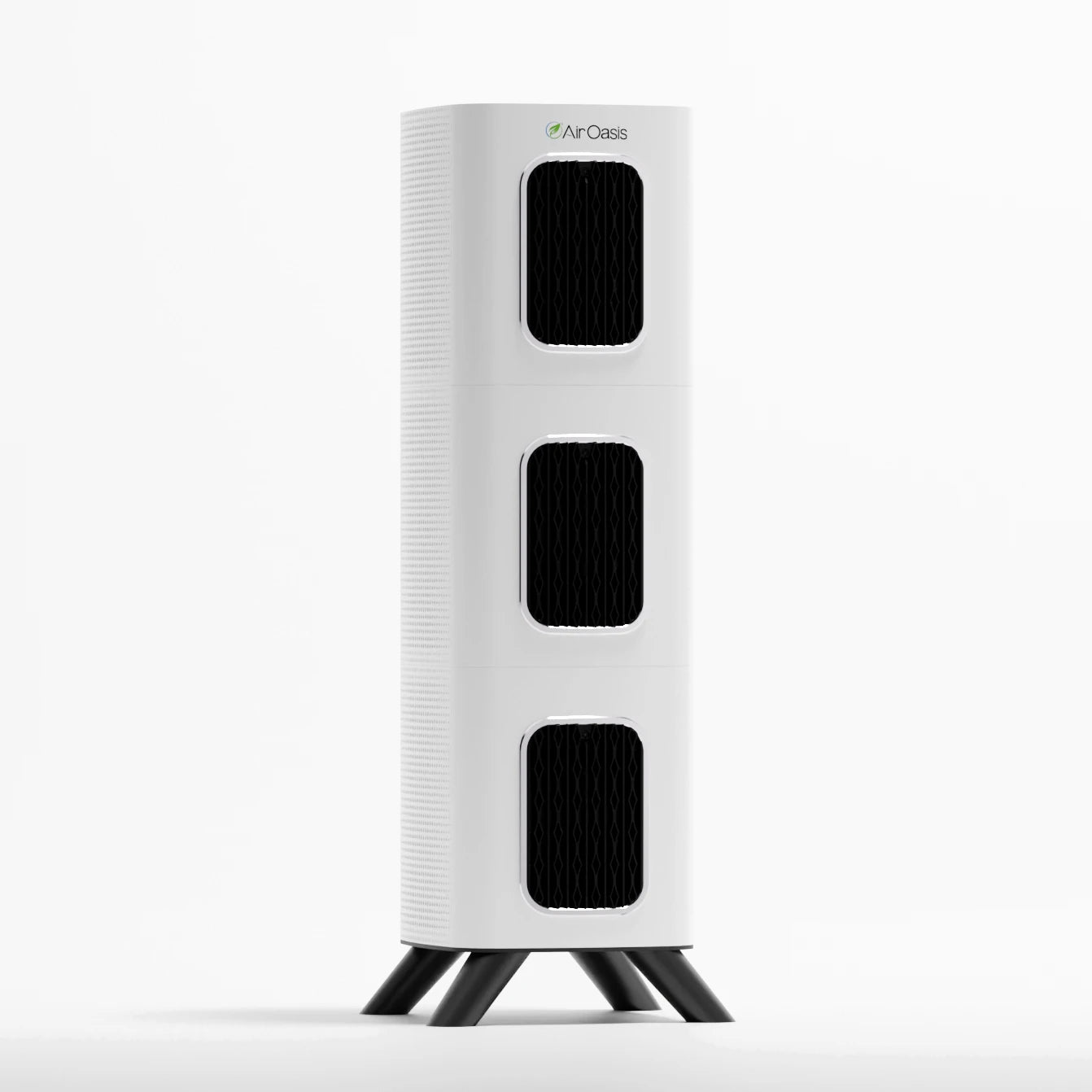
The iAdaptAir features ionization, UV-C technology, and HEPA filtration. These features work together for comprehensive air purification. Some people disable these functions unnecessarily.
The ionizer is ozone-free and CARB certified for safety. It helps neutralize airborne particles and microorganisms. The UV-C light provides an additional layer of pathogen protection. Unless you have specific sensitivities, keep these features enabled for maximum air-cleaning power.
The power button cycles through different operational modes. The first press activates full purification with ionizer and UV. Additional presses turn off the ionizer, then the UV, then the entire unit. Most users benefit from keeping all features operational.
Don't Size It Wrong for Your Space
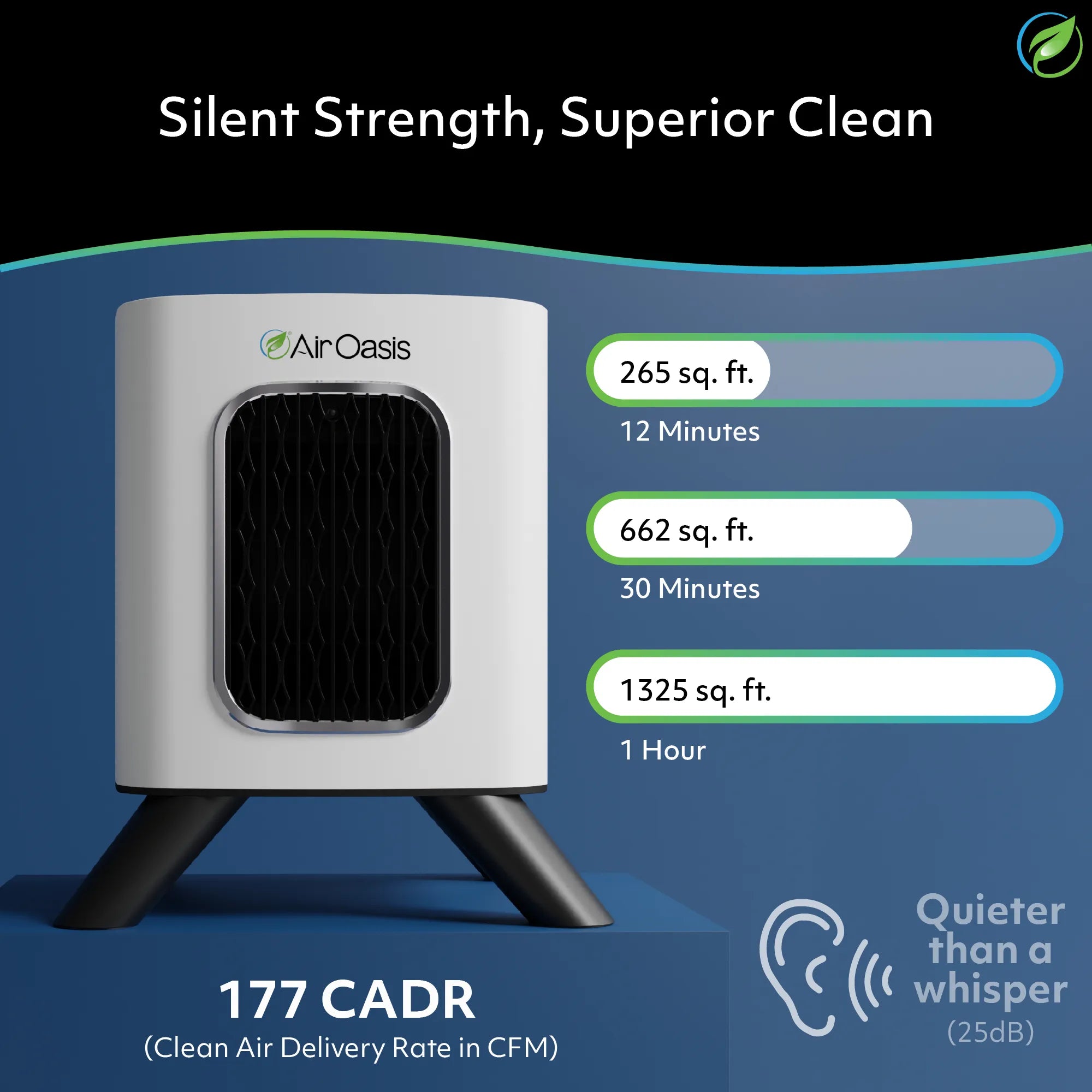
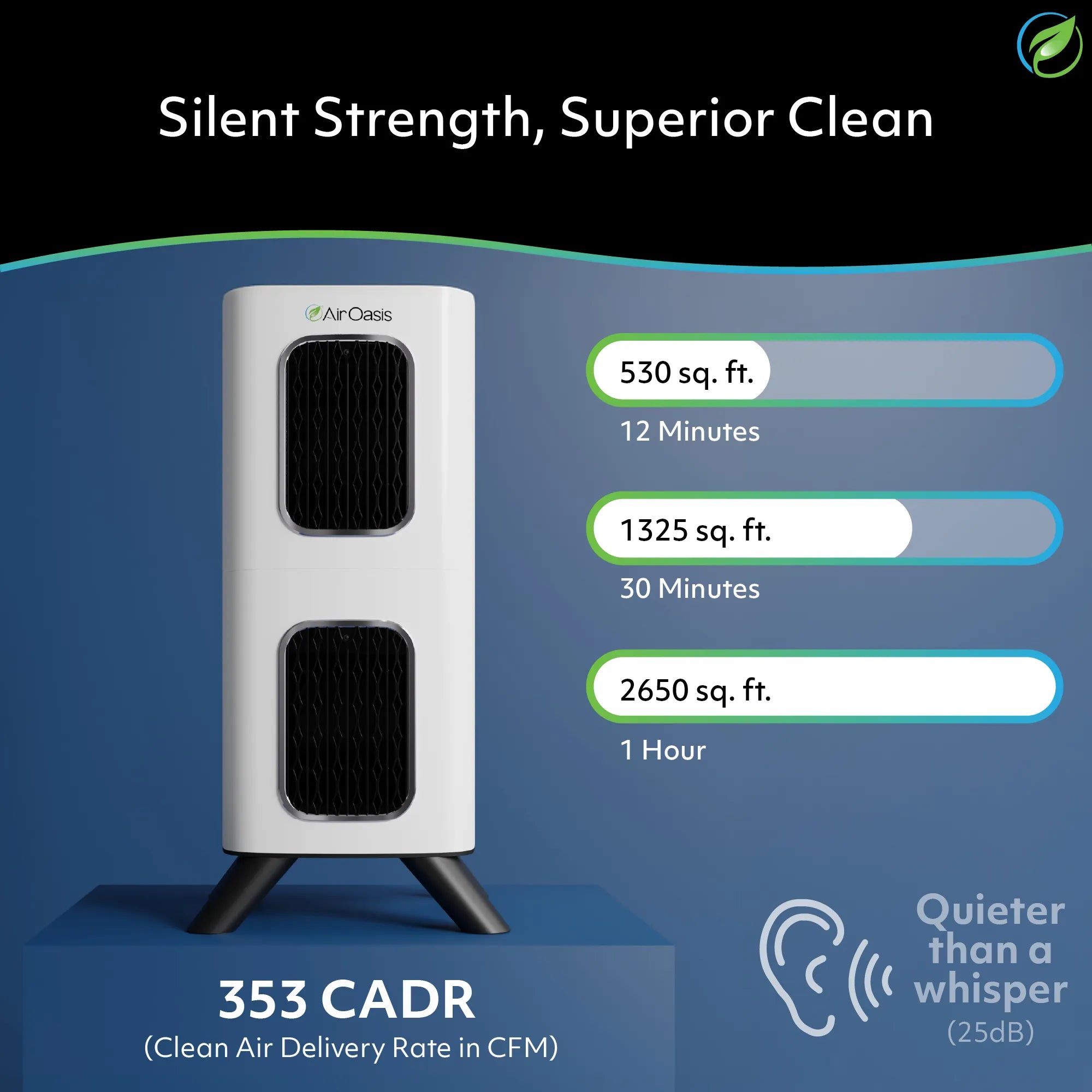
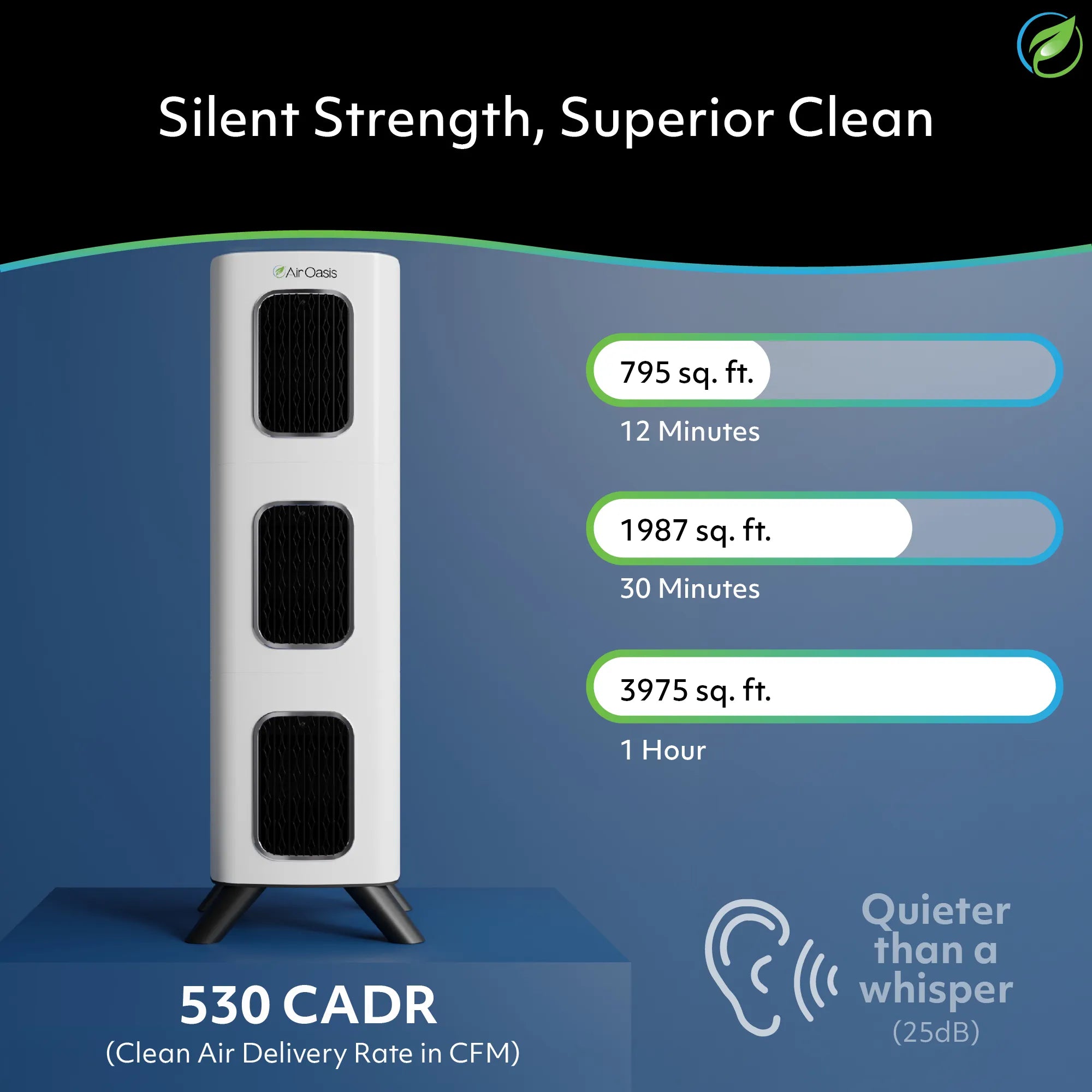
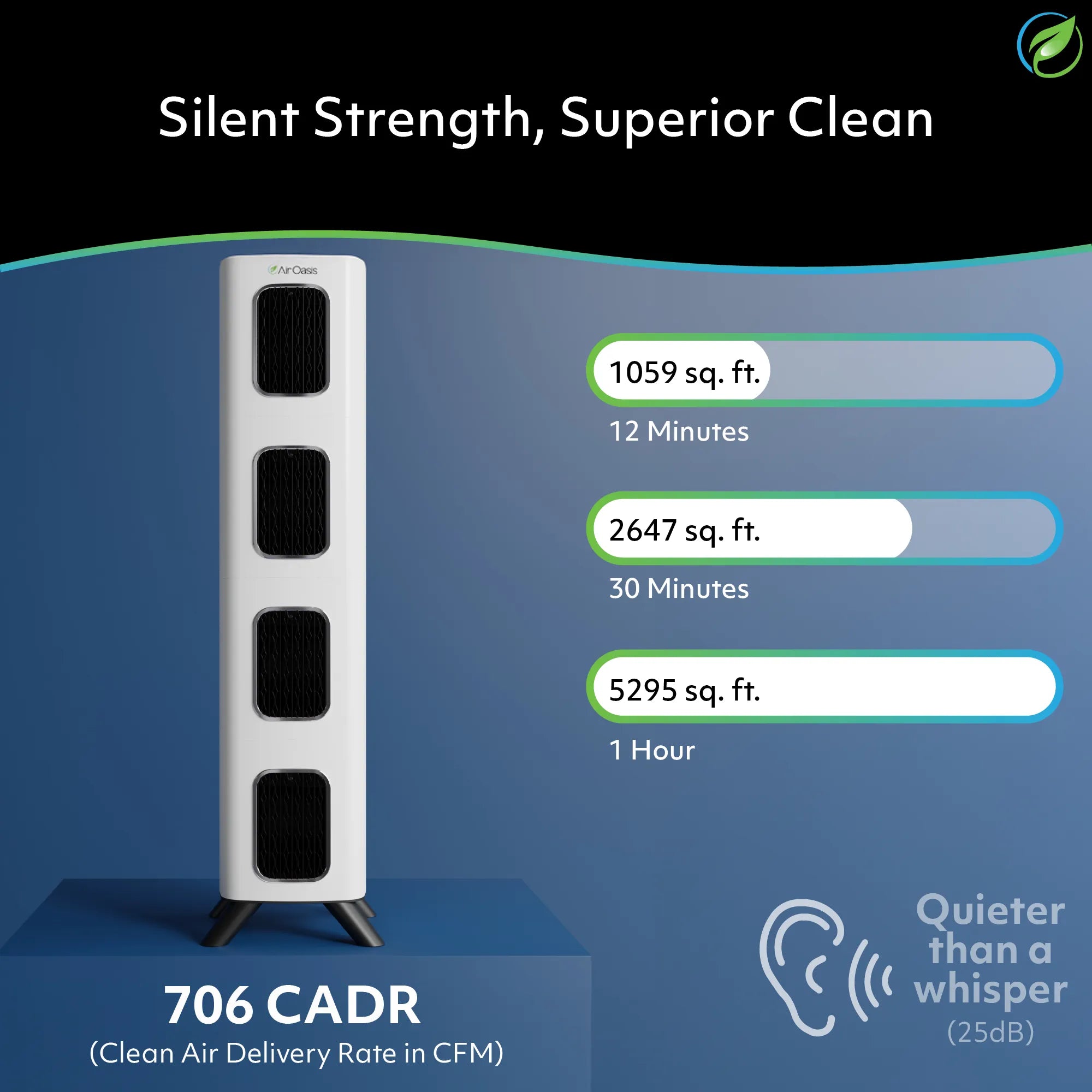
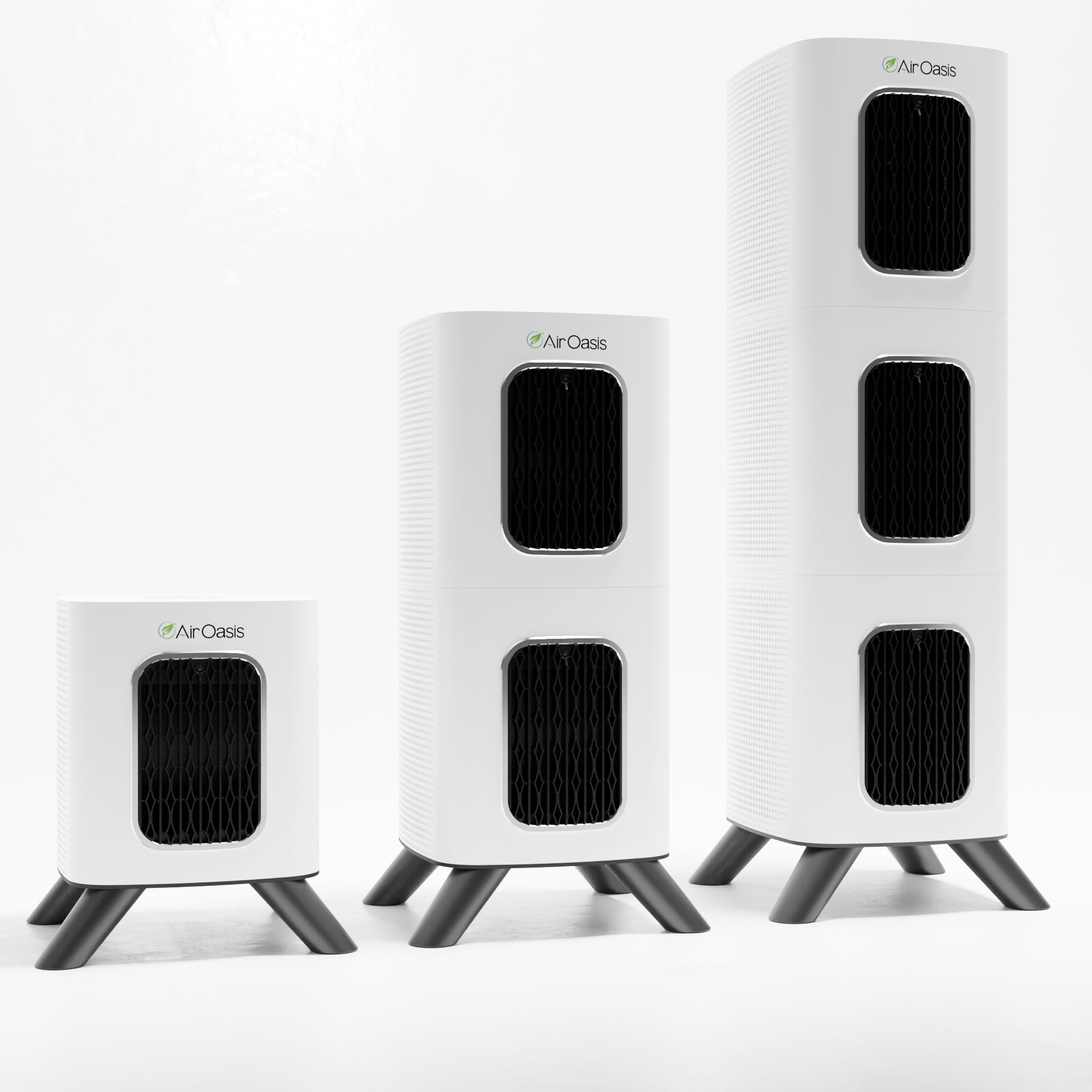
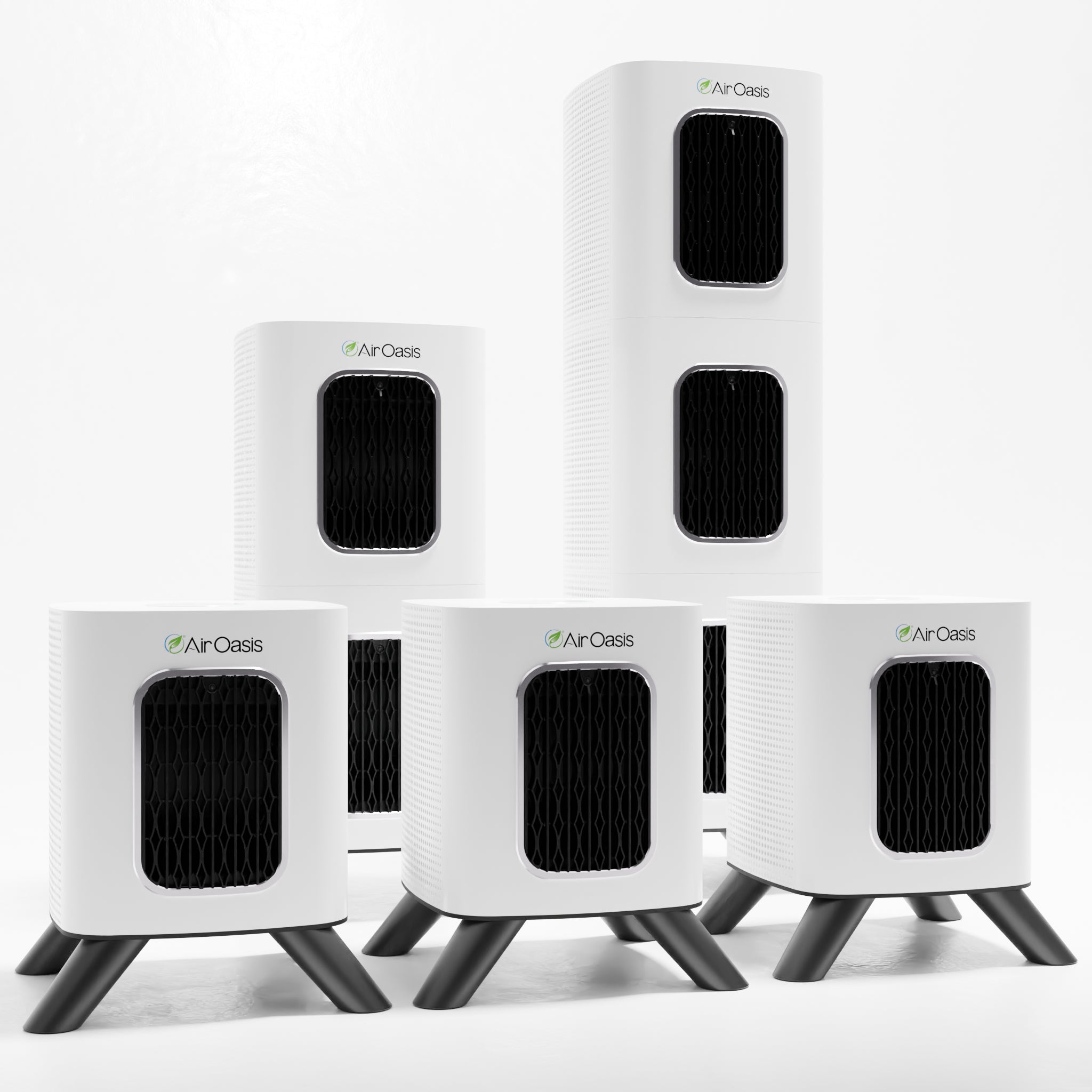
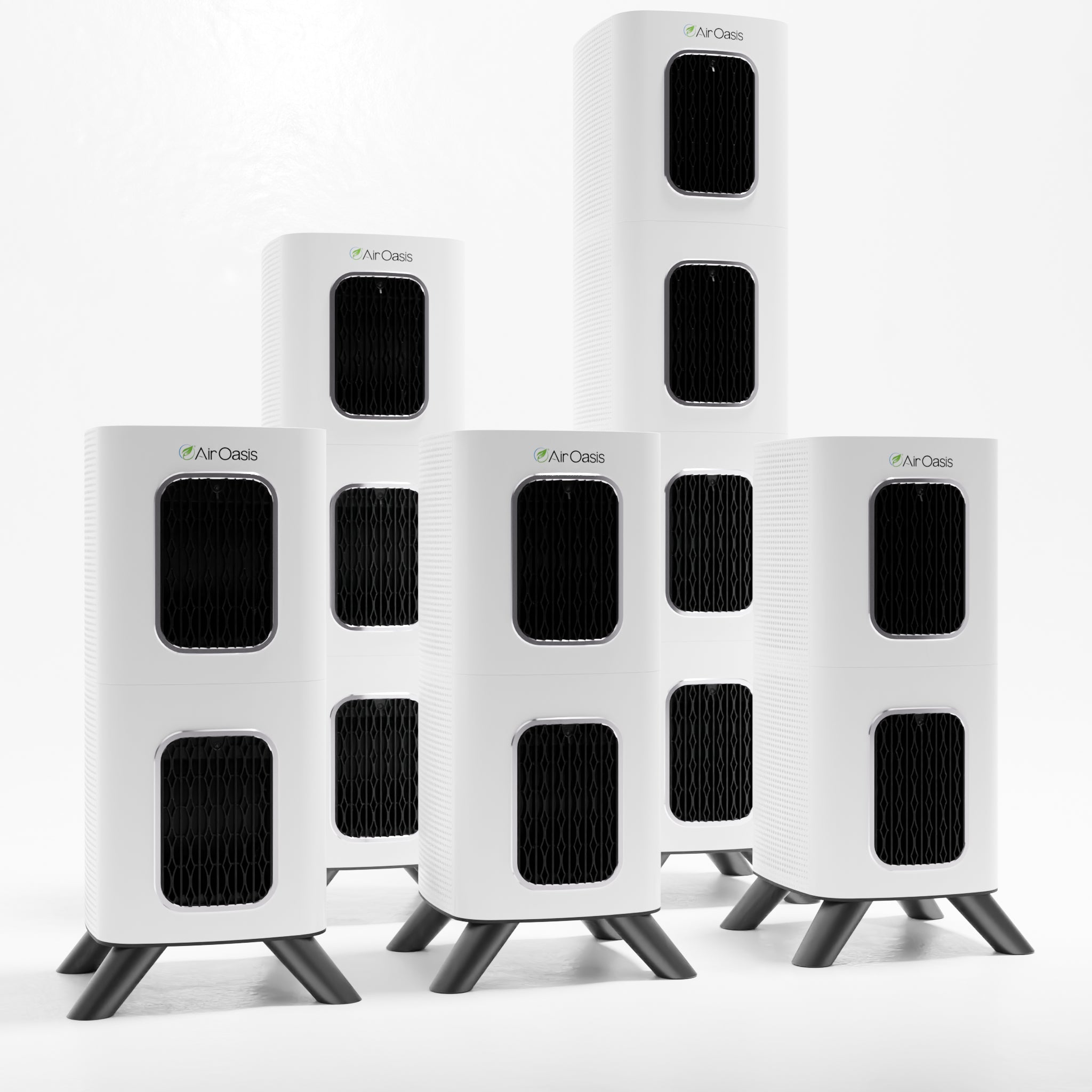
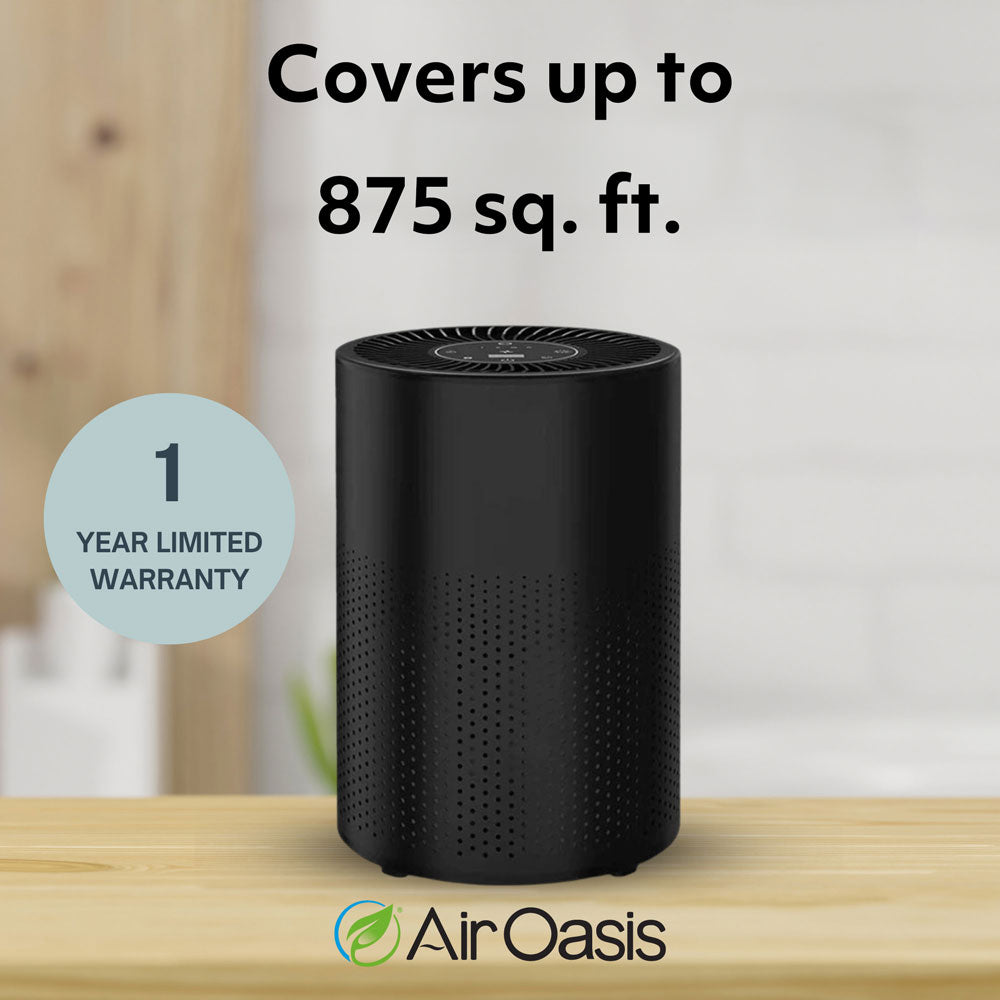
Each iAdaptAir model covers specific square footage. The AOIA-2S handles 265 square feet. The AOIA-2M covers 530 square feet. The AOIA-2L purifies 795 square feet. The AOIA-2P manages 1,059 square feet.
Don't expect a small unit to adequately purify a large space. It will run constantly at maximum fan speed without achieving clean air. Don't waste money on an oversized unit for a small room either. Match the purifier to your space for optimal performance and energy efficiency.
Protect Your Investment and Your Health
Avoiding these common mistakes ensures your air purifier delivers the clean air your body needs. Proper placement, regular maintenance, and correct operation maximize your health investment. Your iAdaptAir system has the technology to remove 99% of harmful airborne contaminants. Give it the conditions it needs to perform that function effectively.
Shop Air Oasis today and breathe cleaner air with confidence.
Here are a few additional pieces of info:
Can I leave my air purifier on when I'm not home?
Yes, continuous operation is recommended. Air purifiers maintain clean air more efficiently when running constantly rather than cycling on and off. The iAdaptAir's AUTO mode adjusts fan speed based on air quality to save energy.
Should I unplug my air purifier during thunderstorms?
Like other electronics, air purifiers can be damaged by power surges. If you're home during severe storms, unplugging provides extra protection. Consider using a surge protector for everyday use.
Can I use cleaning products near my air purifier?
Avoid spraying cleaners directly at or near the unit. Chemical residues can coat sensors and affect performance. When cleaning your home, maintain distance from the purifier or temporarily relocate it to another room.